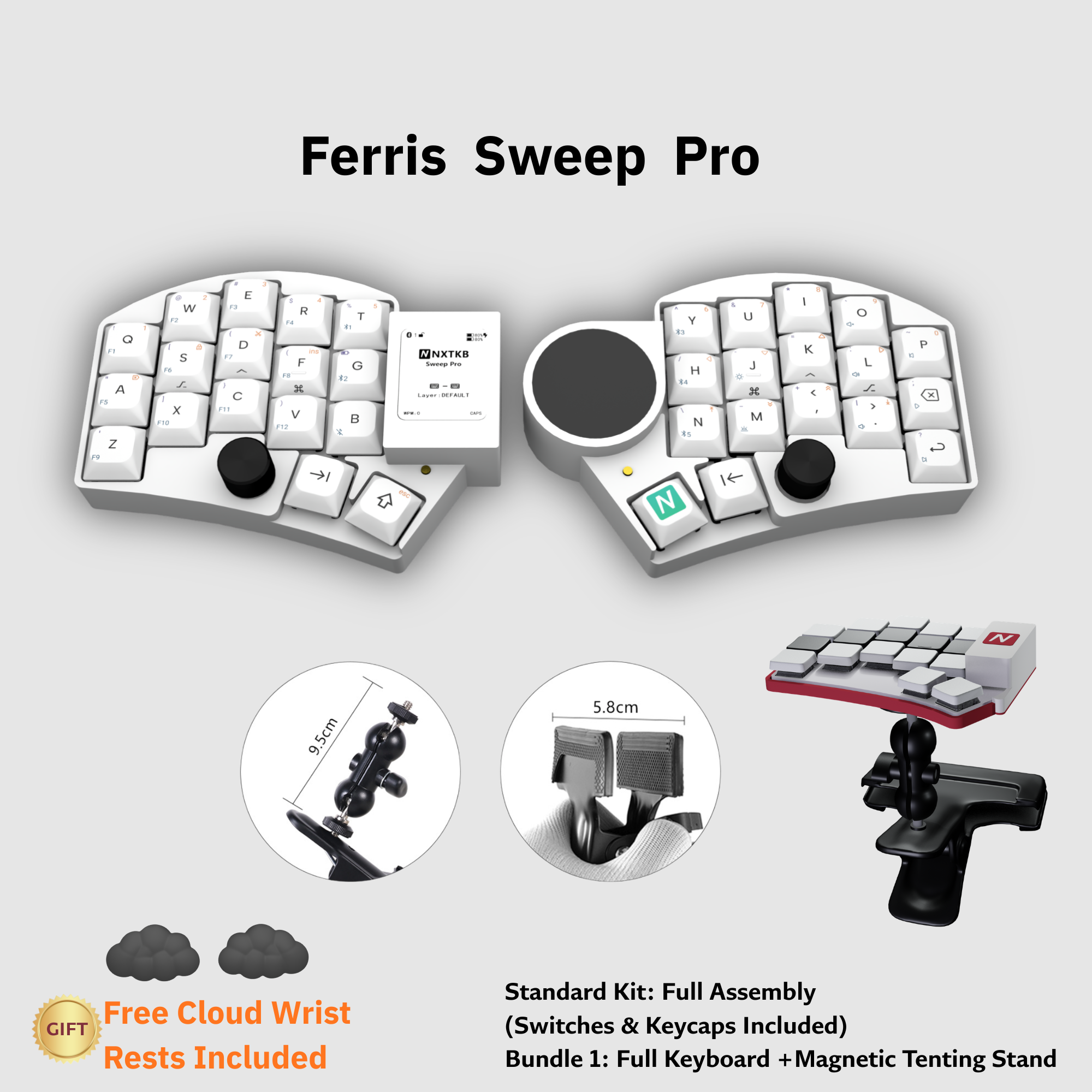
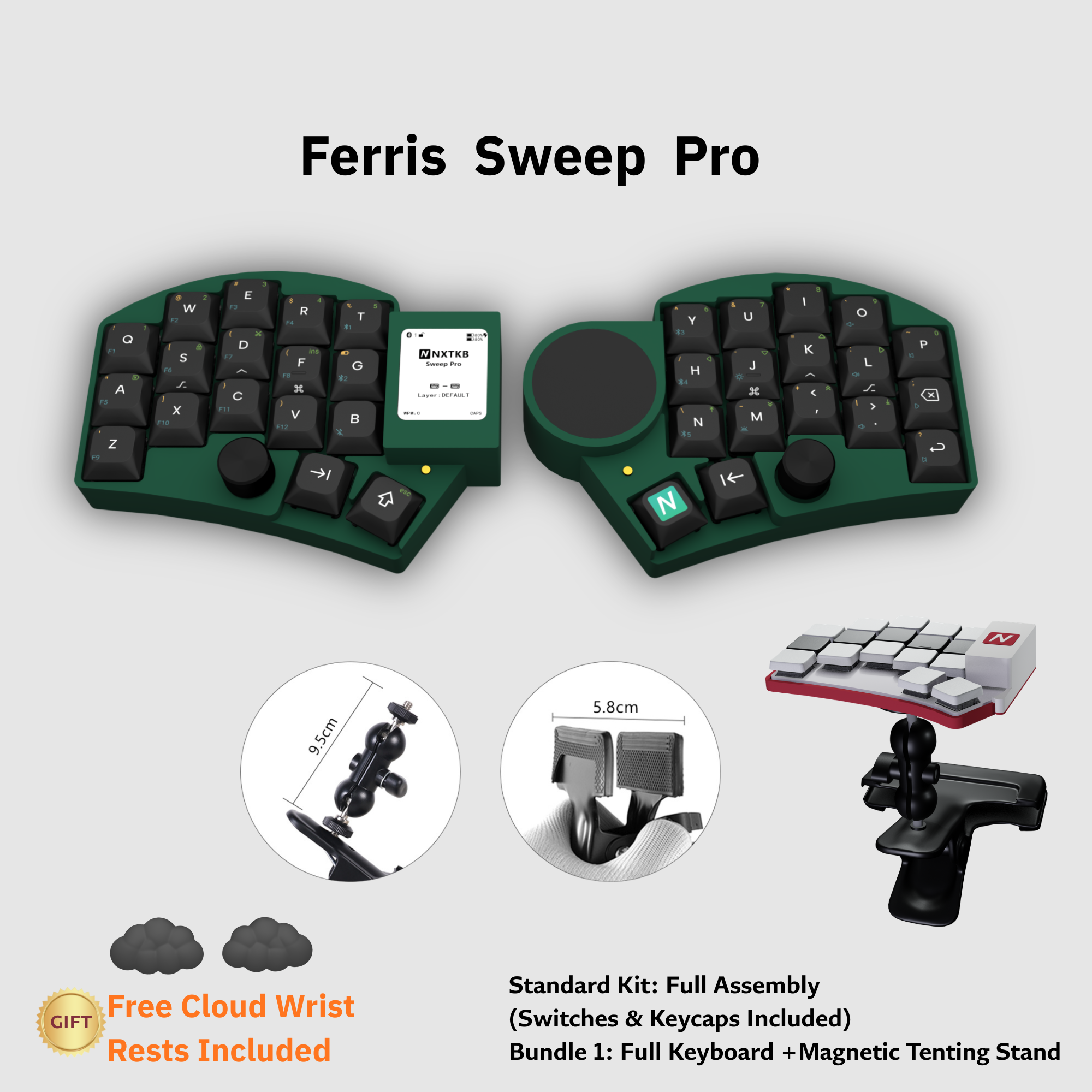
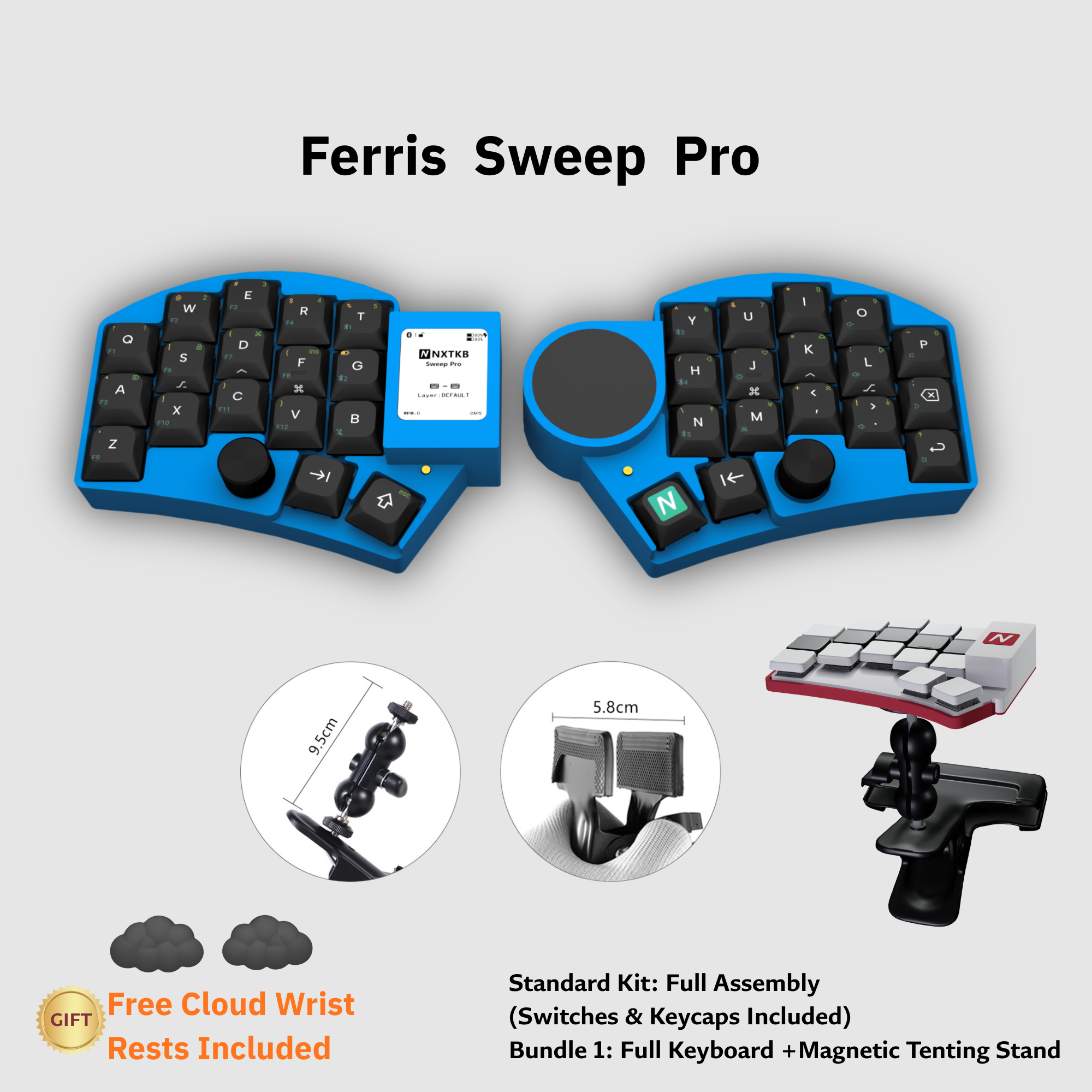
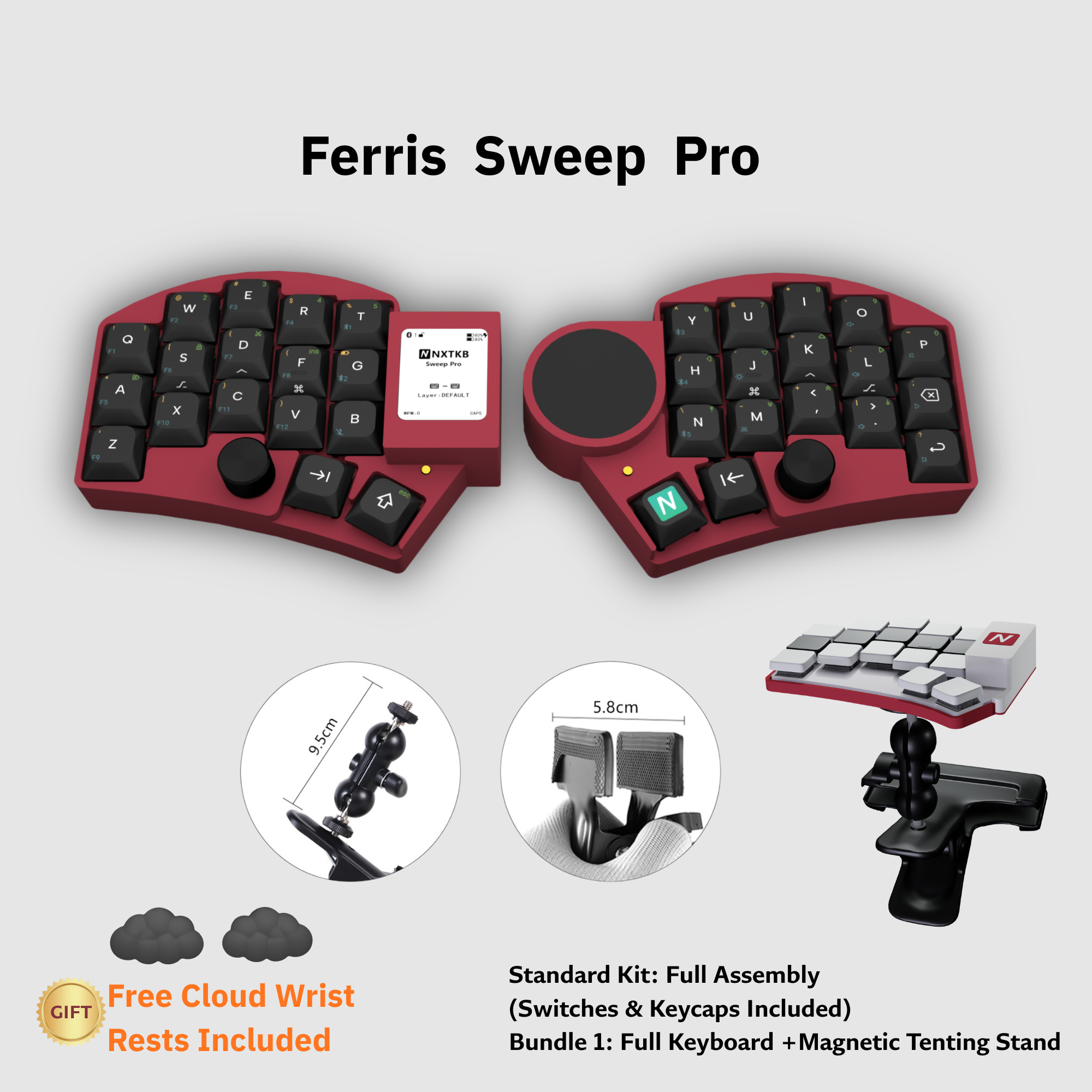
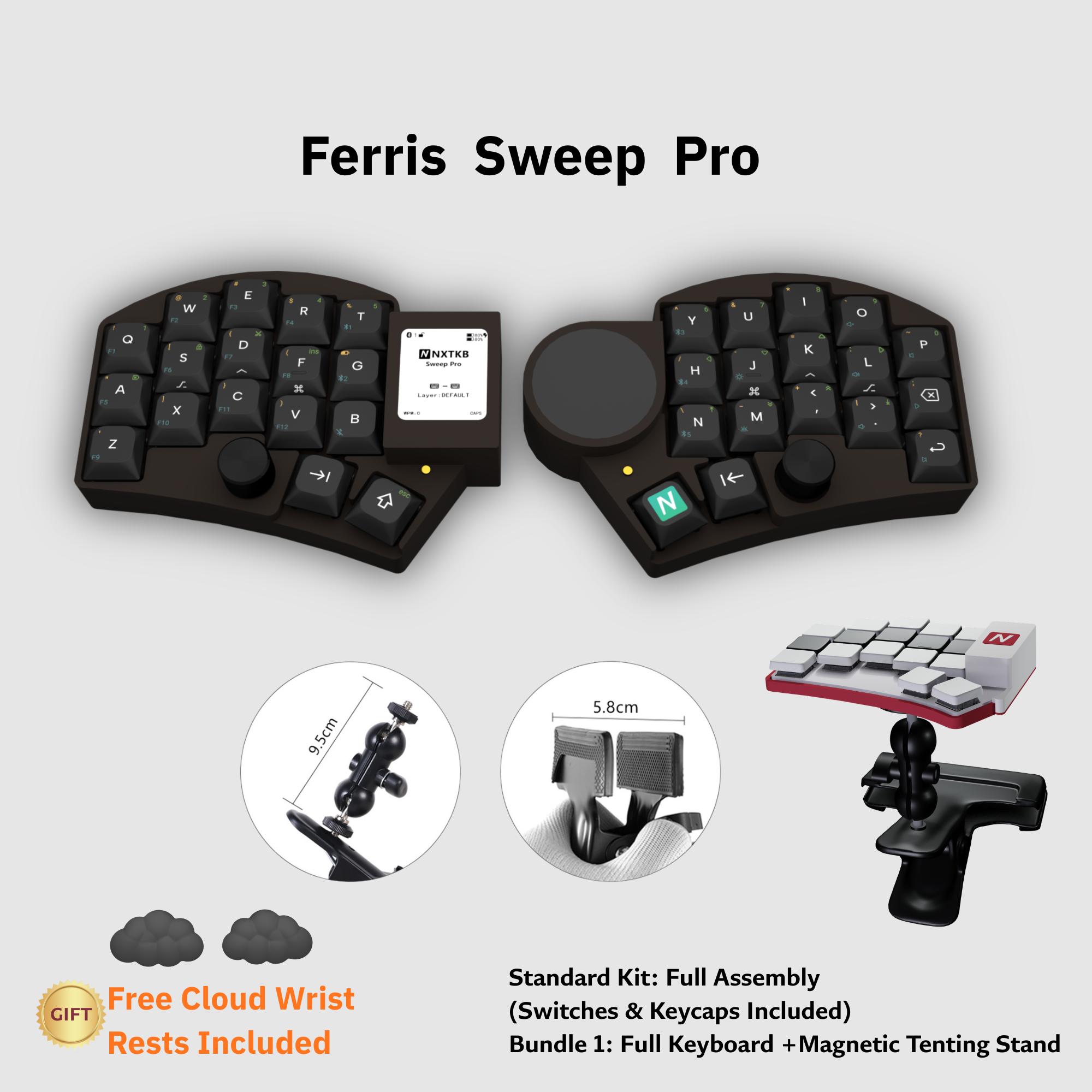
1 - Ferris Sweep Pro
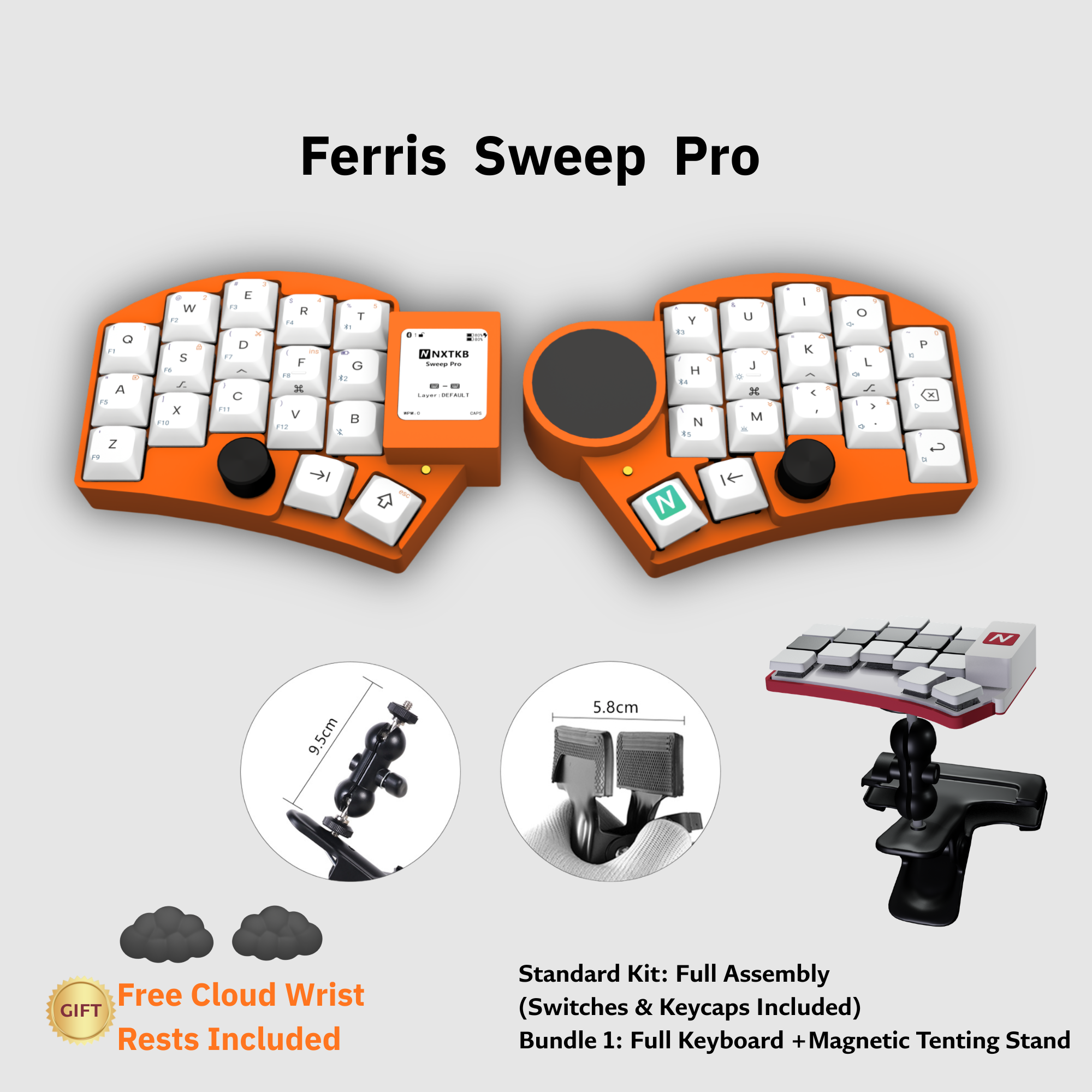
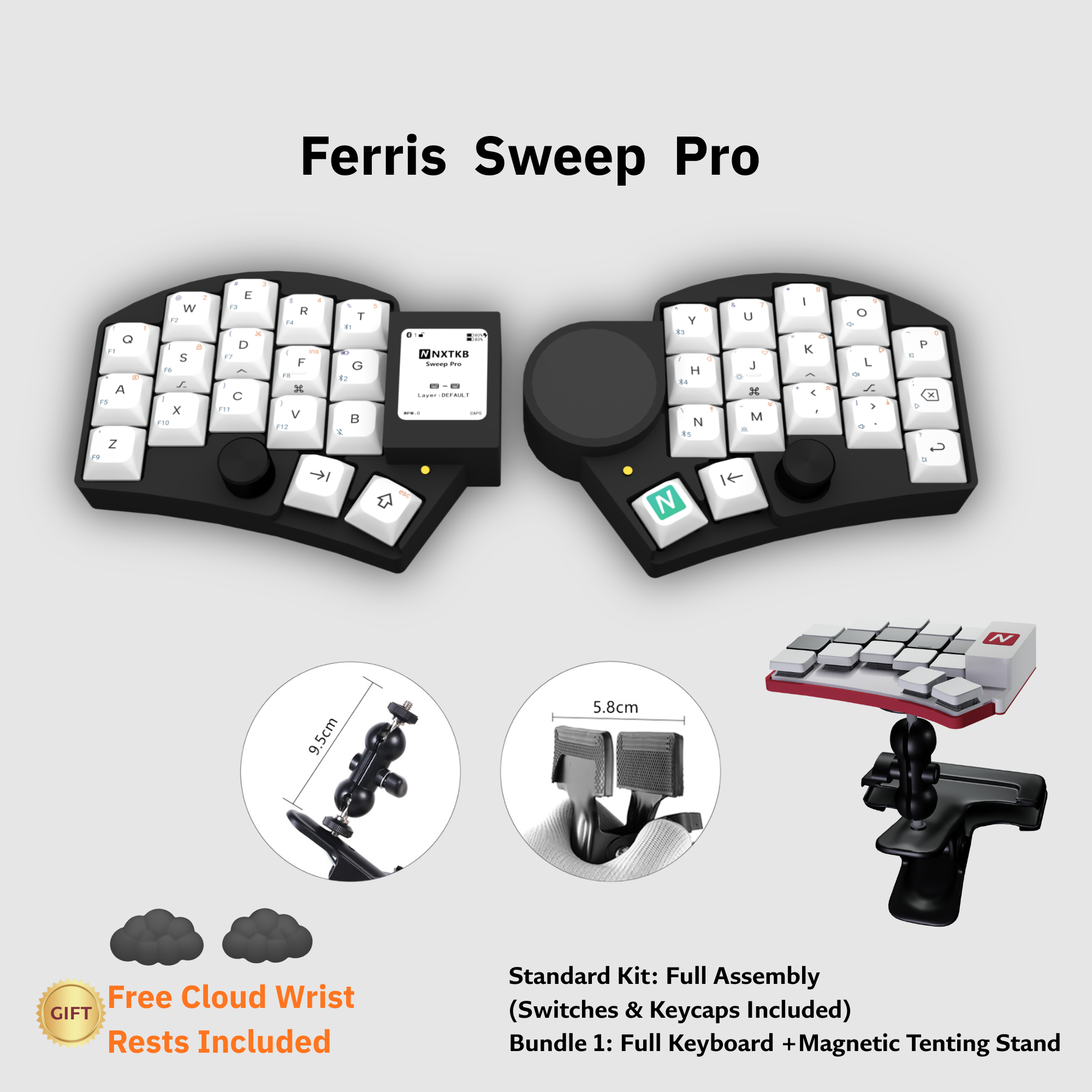
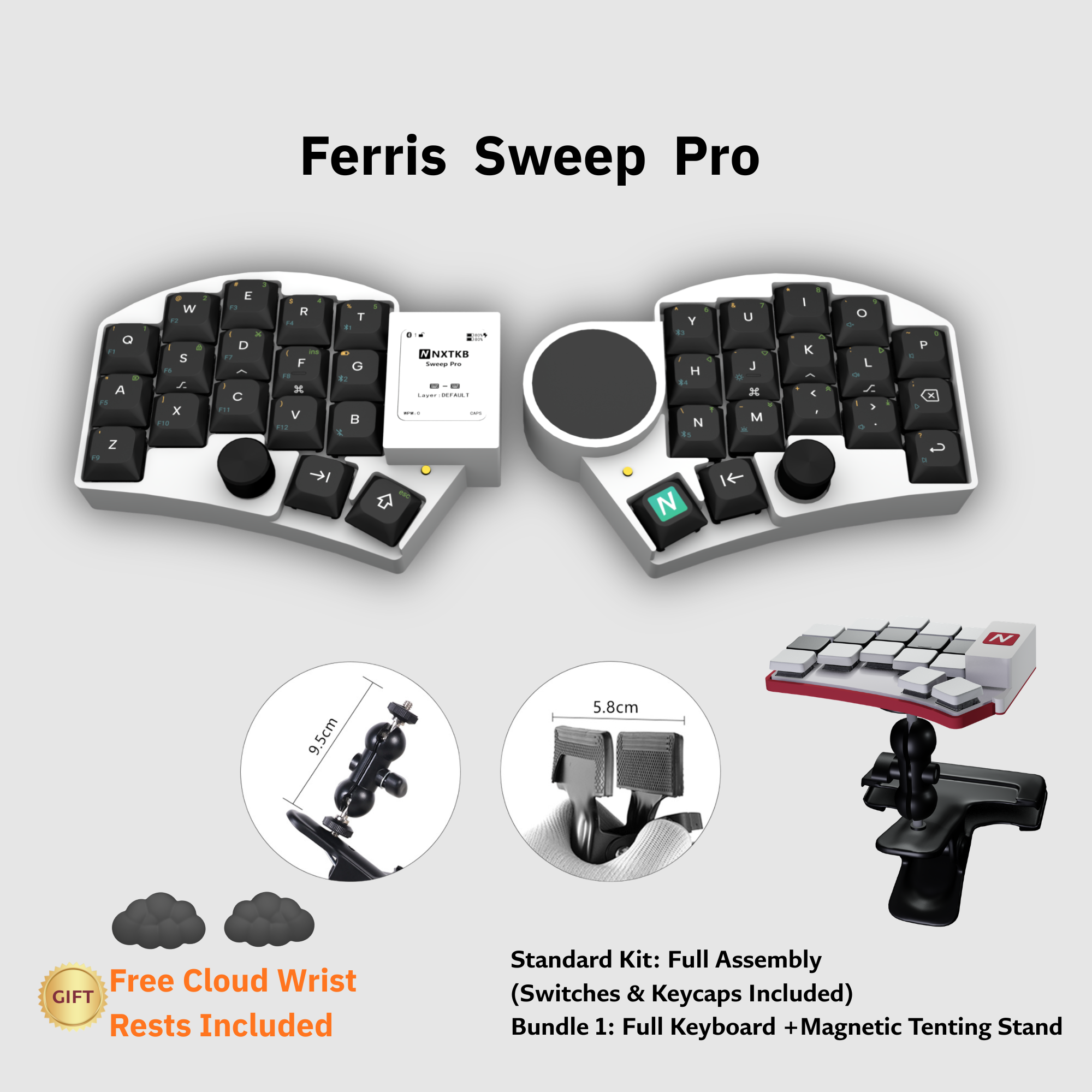
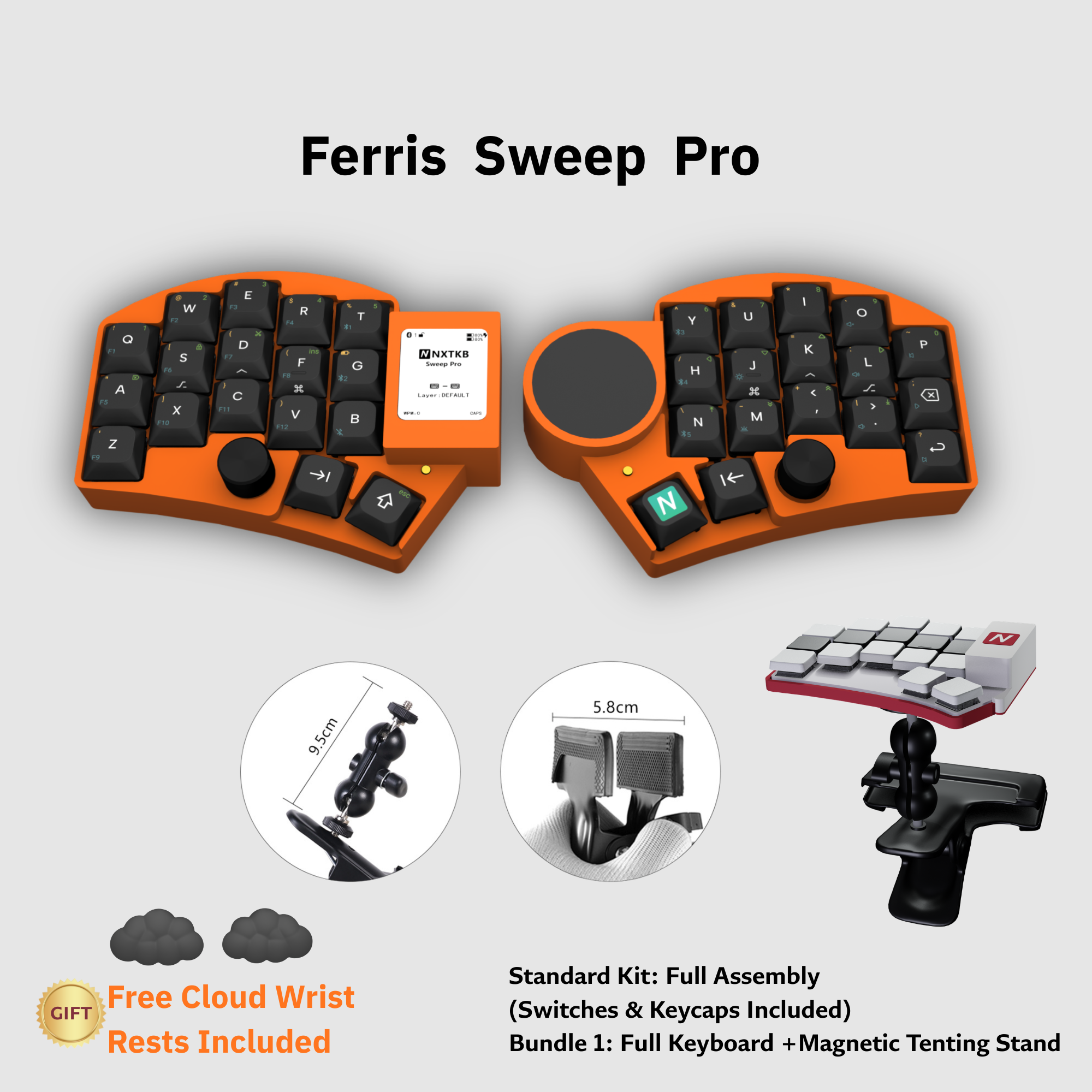
Engineered for programmers and keyboard enthusiasts — E-ink status display, integrated Cirque trackpad, dual rotary encoders, and 4000mAh battery capacity. All in an ultra-thin, wireless split design.
E-ink Display
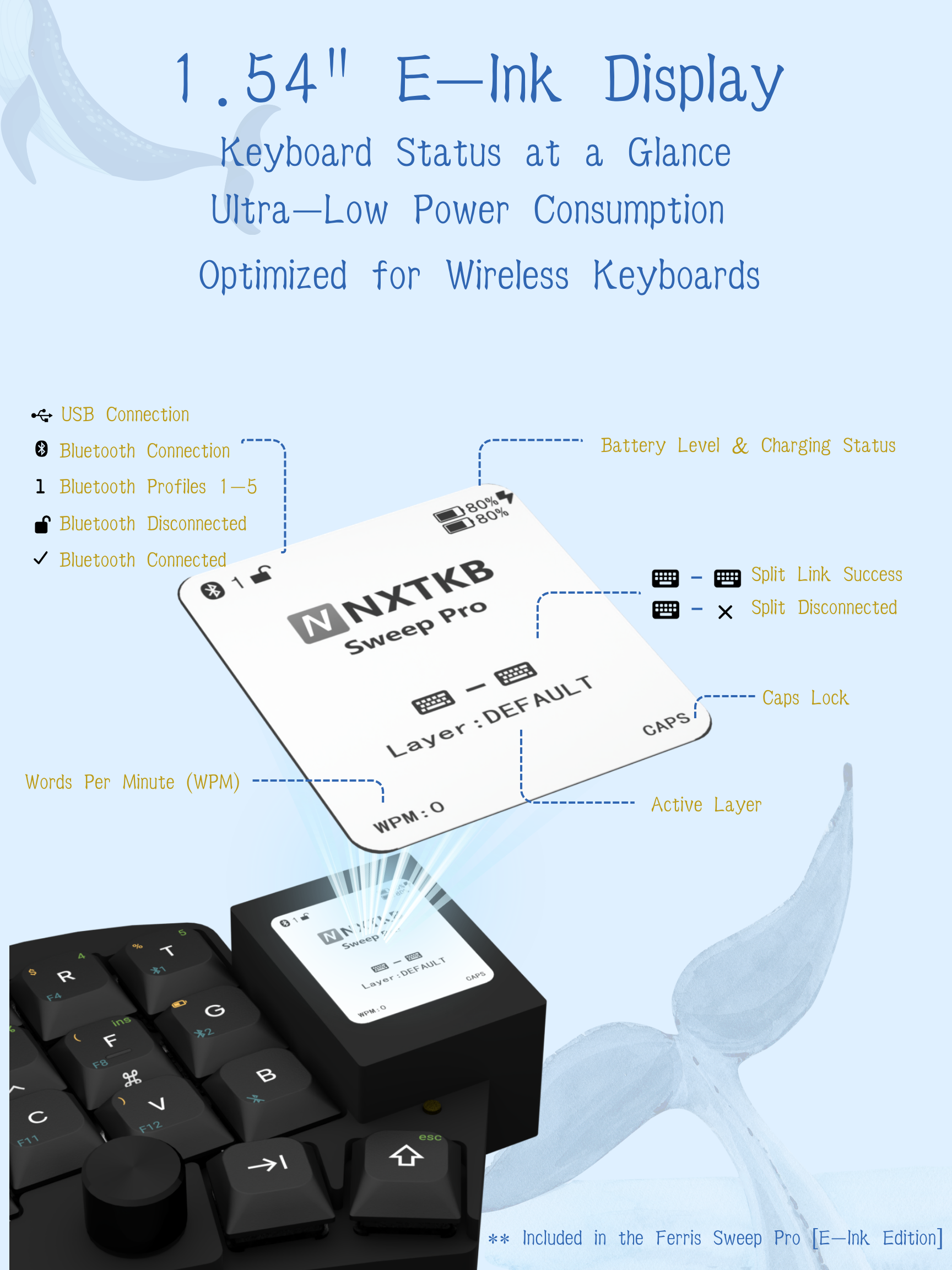
1.54" high-contrast E-ink screen showing battery, layers, pairing status, and connection mode in real time.
Cirque Trackpad
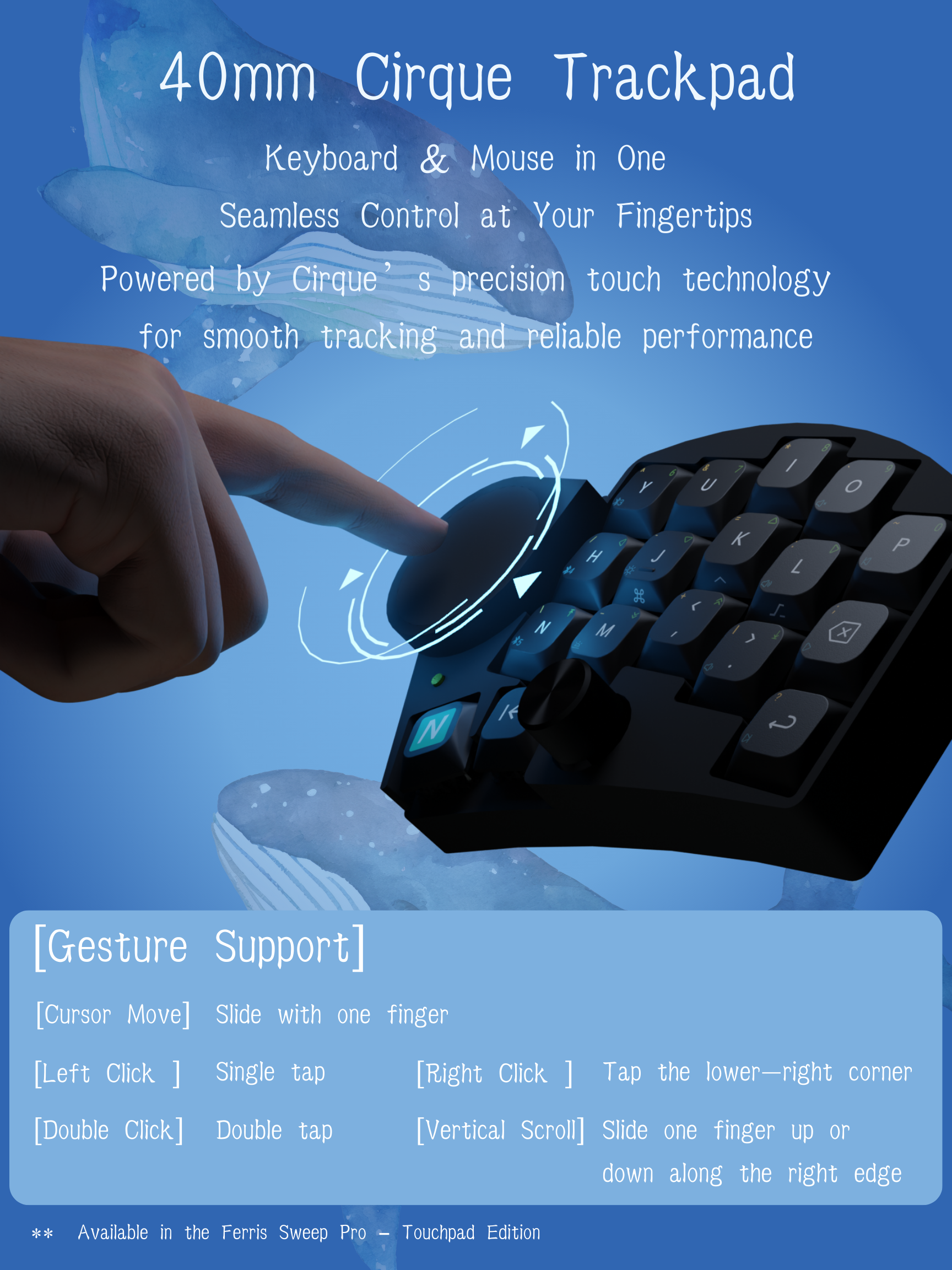
Integrated 40mm Cirque GlidePoint® circle trackpad with gesture recognition — no mouse needed.
Dual Encoders
Twin rotary encoders for volume control, page scrolling, or custom macro execution.
4000mAh Battery
2000mAh per side for months of wireless usage on a single charge.
ZMK Studio
Real-time key remapping with no coding or reflashing required.
Magnetic Tenting
Rapidly adjust your typing angle with our specialized magnetic stands.
Technical Specifications
| Component | Specification |
|---|---|
| Layout | 34 Keys (Ferris Sweep Variant) |
| Display | 1.54" E-ink Display (High-contrast Electronic Paper) |
| Pointing Device | Cirque GlidePoint® Circle Trackpad |
| Input | Dual Clickable Rotary Encoders |
| Firmware | ZMK Firmware (Studio Compatible) |
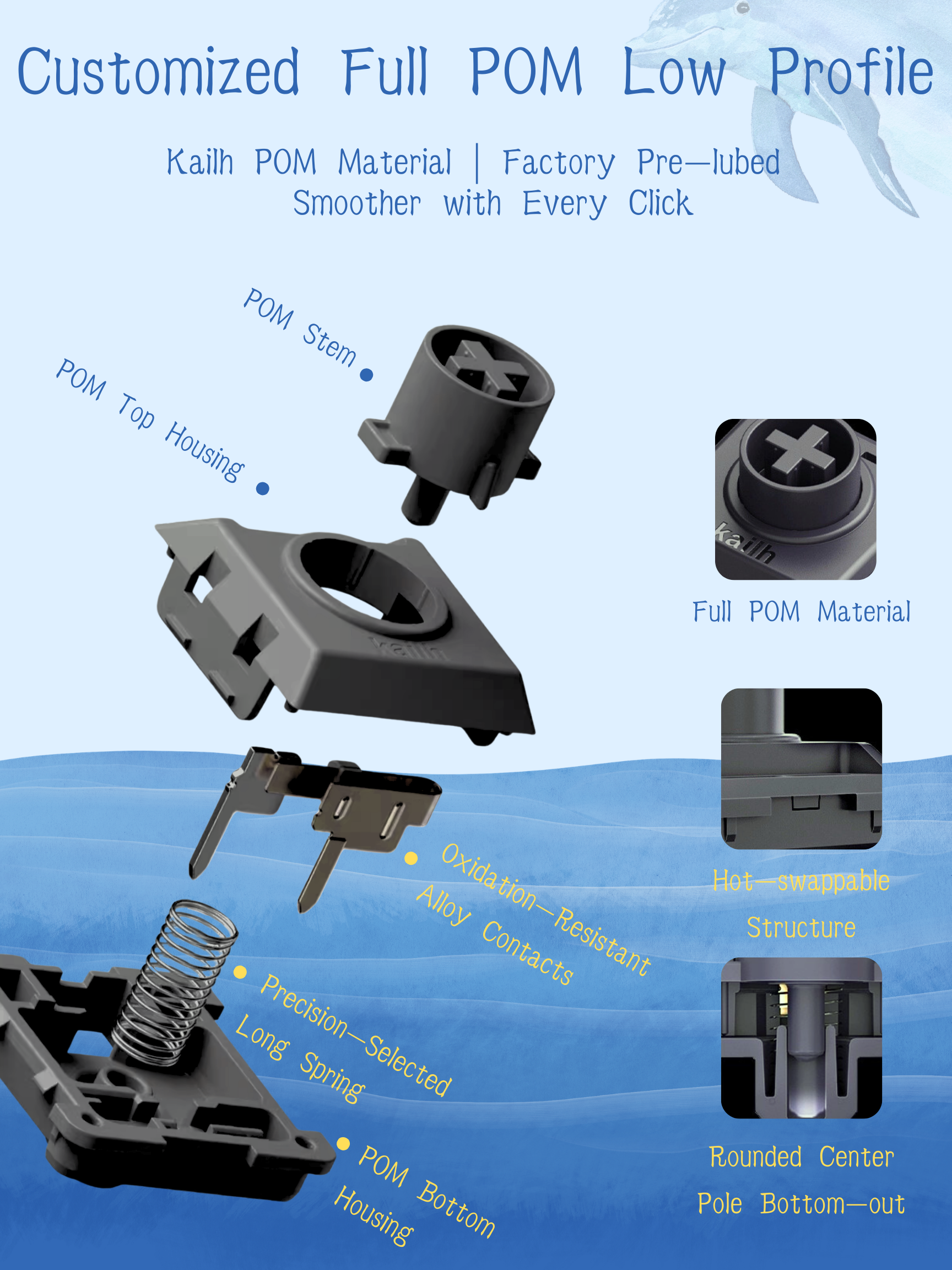
| Keycaps | Custom-Designed for Sweep Pro (Sculpted Low-Profile PBT) |
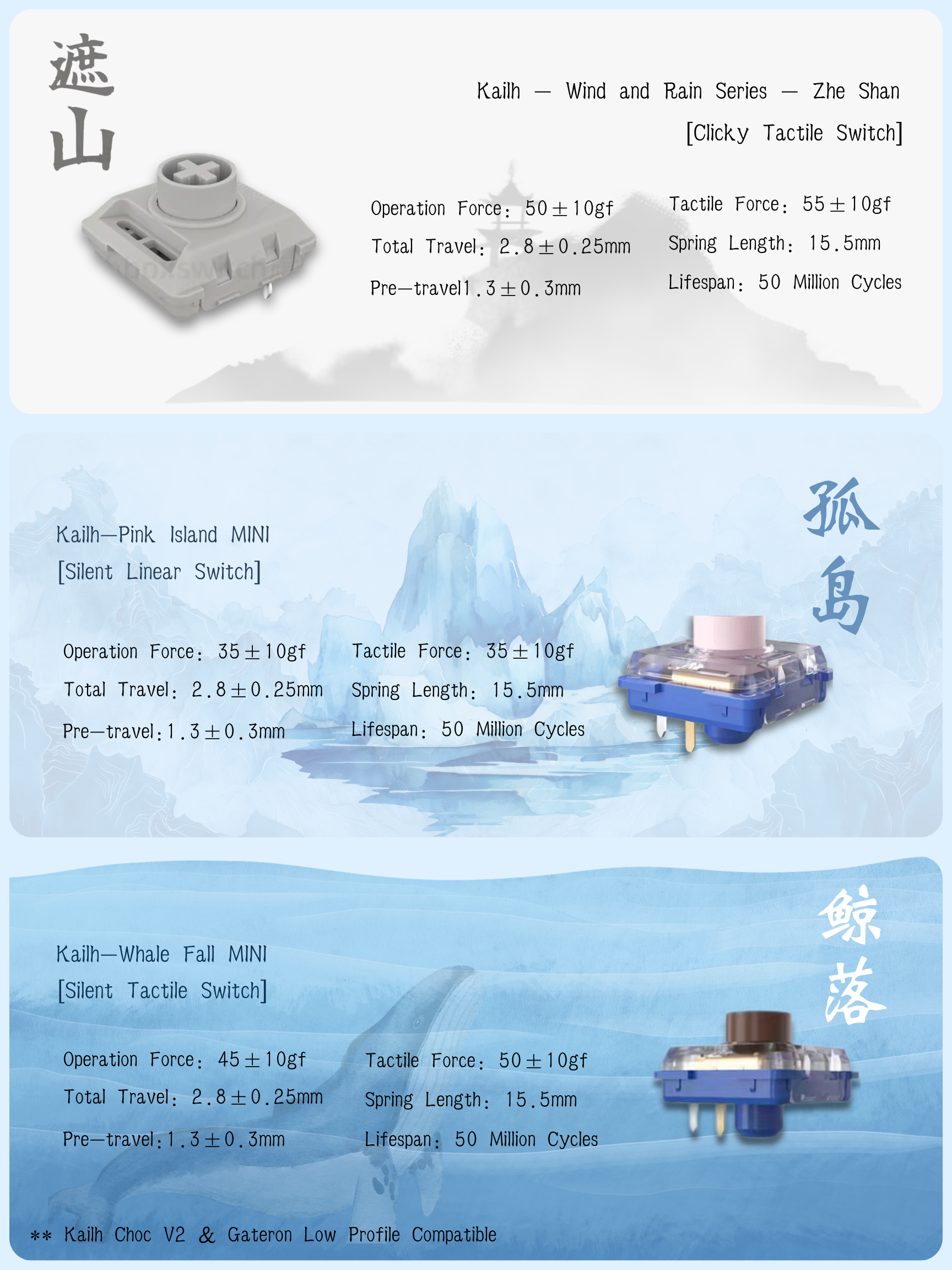
| Switches | 4 Low-Profile Options: Kailh Silent Linear, Kailh Silent Tactile, Kailh Clicky White, Gateron Low Profile Blue |
| Battery | 4000mAh Total (Dual 2000mAh Li-ion) |
| Connectivity | Bluetooth + USB-C |
Cirque GlidePoint® Trackpad
The 40mm Cirque Trackpad comes with built-in gesture recognition, allowing you to perform common mouse actions directly on the keyboard:
- Cursor Move — Slide with one finger
- Left Click — Single tap anywhere on the pad
- Double Click — Double tap to open files or select text
- Right Click — Tap the lower-right corner for context menus
- Vertical Scroll — Slide one finger up or down along the right edge
1.54" High-Contrast E-ink Display
Unlike traditional OLED screens that can be distracting or power-hungry, our E-ink Electronic Paper Display provides an elegant, always-on status hub.
- Real-Time Status — View active layers, battery percentage, and connection mode (USB/Bluetooth)
- Split Sync Info — Exclusive status indicators for left/right pairing and synchronization health
- Ultra-Low Power — Only draws power when the display content changes
- Perfect Visibility — Crystal clear readability even under direct sunlight
Custom-Designed Sweep Pro Keycaps
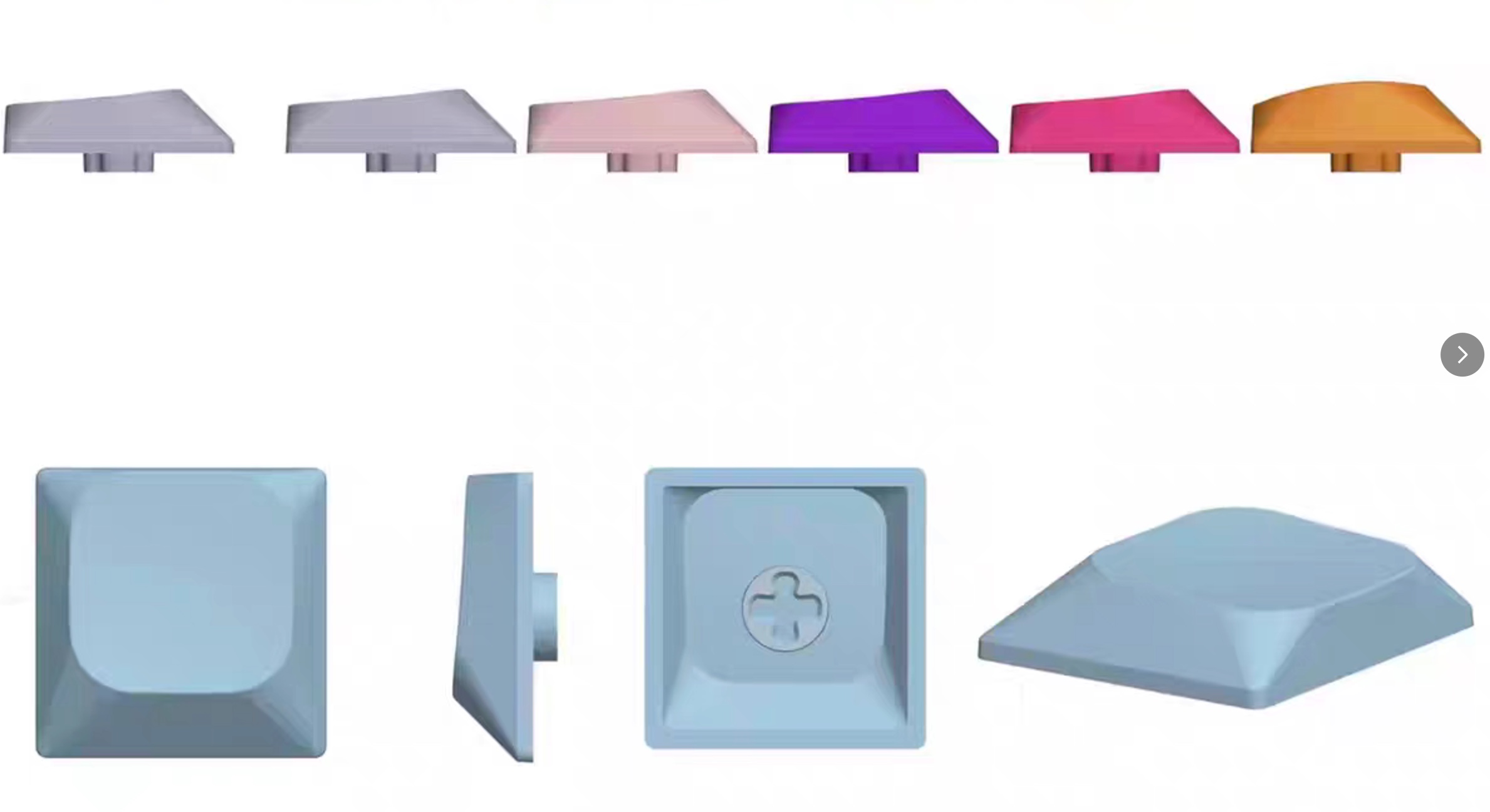
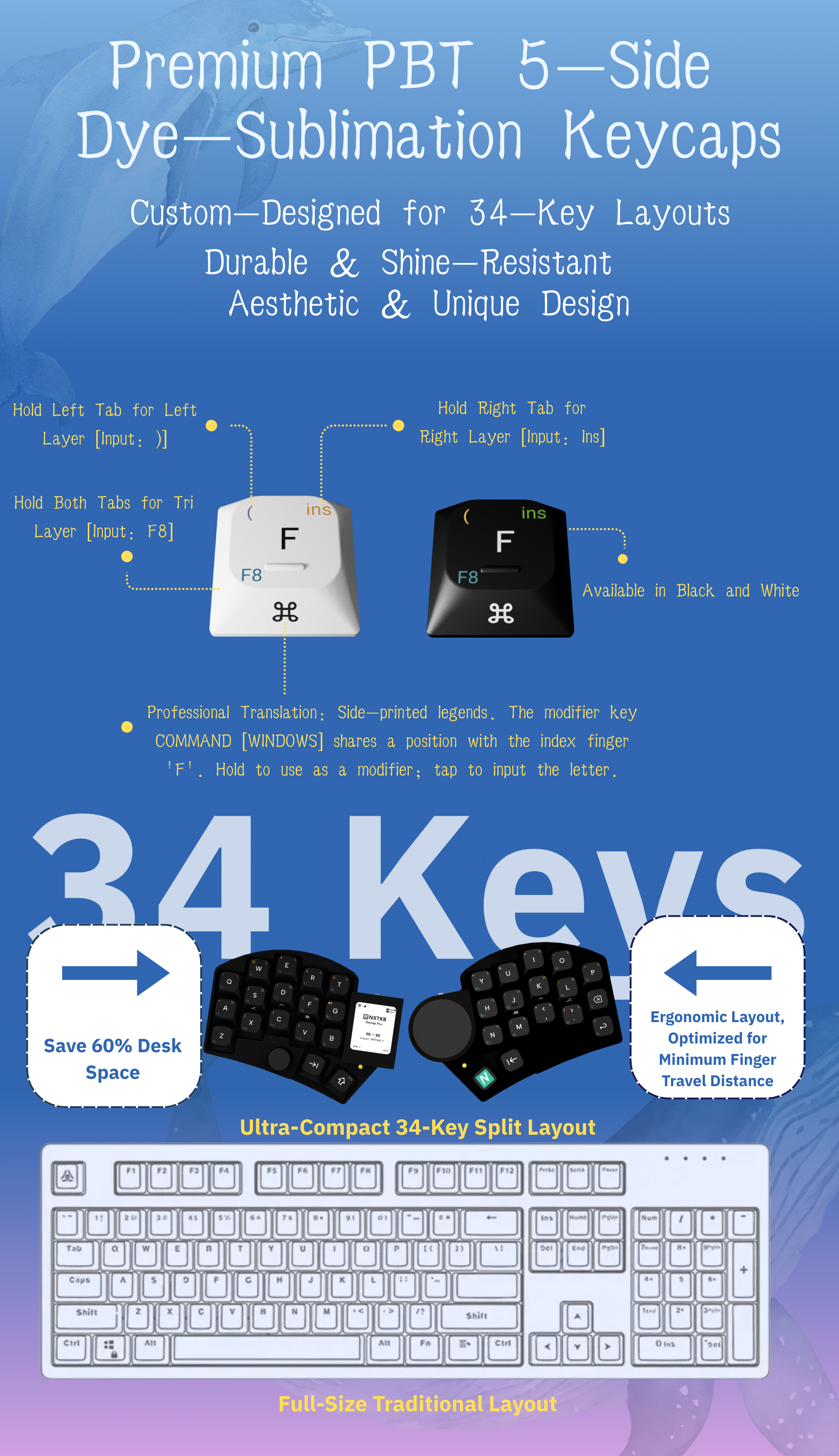
Bespoke low-profile PBT keycaps engineered specifically for this 34-key layout.
- Premium PBT Material — Textured, non-slip feel that resists oil and shine even after years of heavy typing
- 5-Sided Dye-Sublimation — Vibrant, permanent legends that wrap around the edges
- Sculpted for Ergonomics — Optimized height and curvature to minimize finger travel
- Intuitive Sub-Layer Legends — Front-printed legends for secondary layers, making it effortless to navigate symbols and macros
Low-Profile Switch Options
Choose the perfect tactile experience for your workflow. We offer four premium low-profile switch options.
| Switch Type | Feel | Sound Level | Best For… |
|---|---|---|---|
| Kailh Silent Linear | Smooth, consistent travel | Ultra-Quiet | Open offices, late-night sessions |
| Kailh Silent Tactile | Soft bump at actuation | Ultra-Quiet | Feedback without the noise |
| Kailh Clicky White | Sharp, crisp tactile bump | Satisfying Click | Classic mechanical “click” lovers |
| Gateron Low Blue | Classic tactile click | Moderate Click | Balanced, traditional clicky experience |
Tip: For shared workspaces, we recommend the Kailh Silent series to maintain a quiet environment.
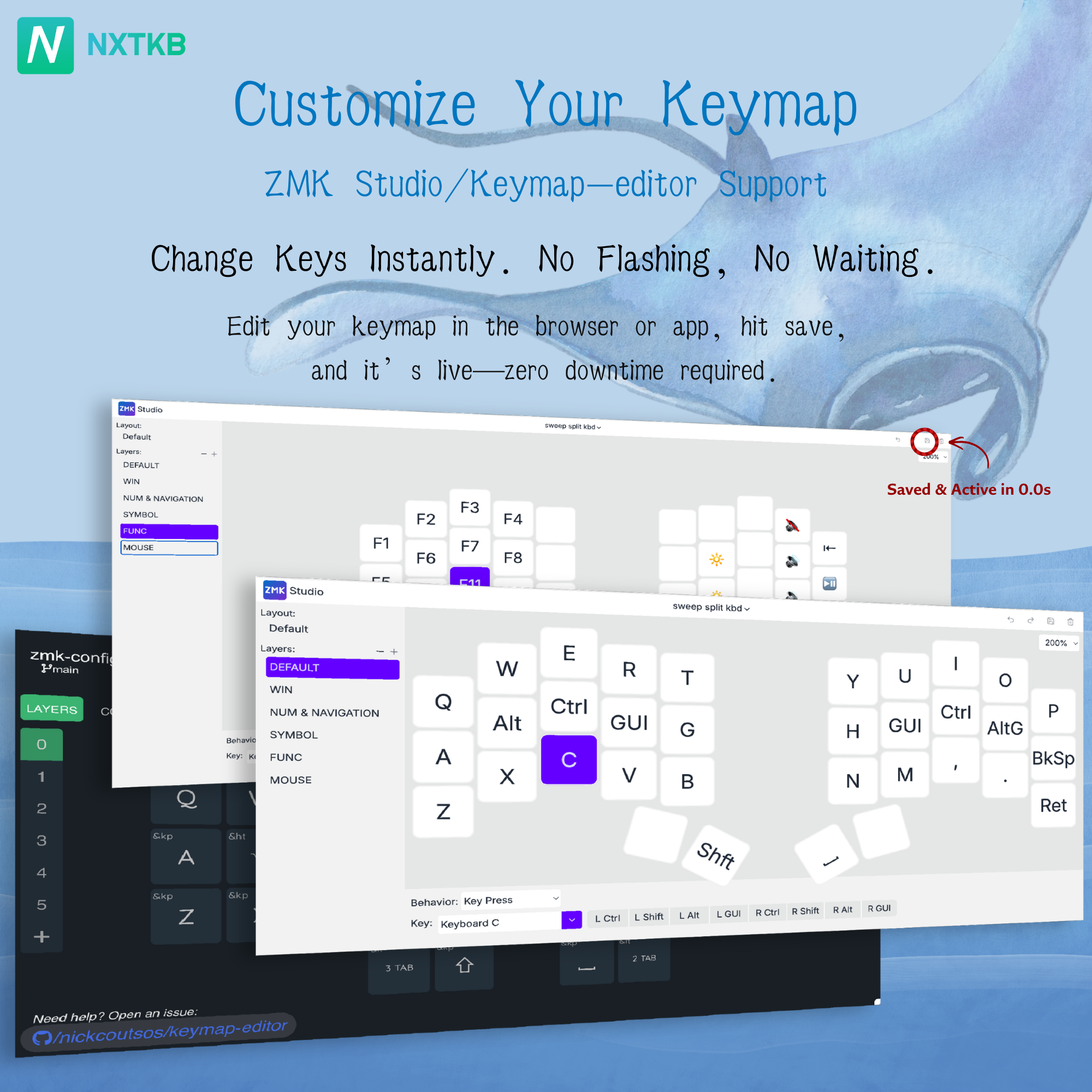
ZMK Studio Support
- Real-Time Remapping — Change any key or macro on the fly
- Instant Effect — Click “Save” and your new keymap is active immediately — no reboots, no flashing, zero downtime
More Professional Details
We’ve obsessively refined the Ferris Sweep Pro to ensure every interaction feels premium and intentional.
Dual Rotary Encoders
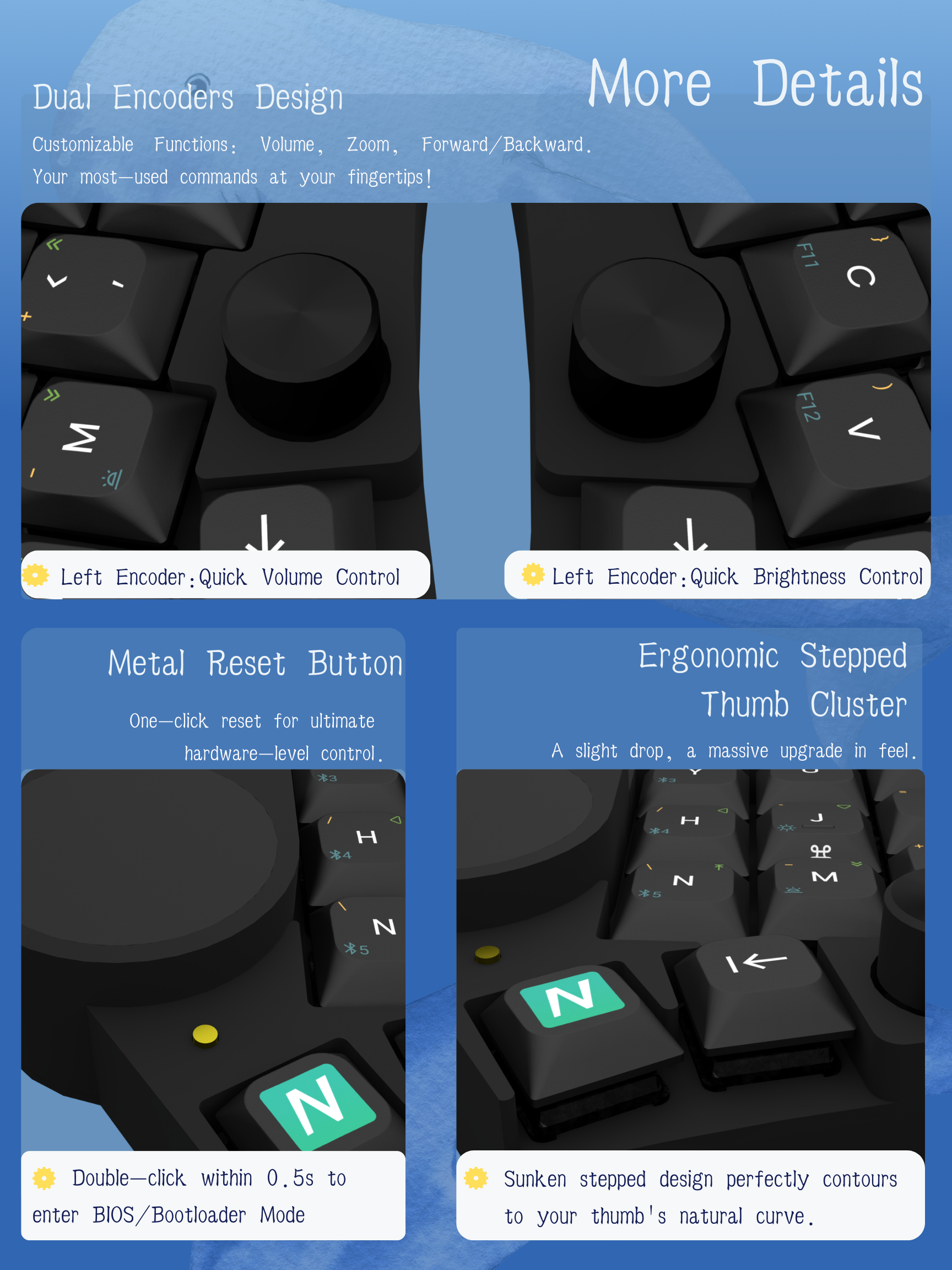
Precision-machined dual encoders offer tactile scrolling at your fingertips. Fully customizable via ZMK:
- Left Encoder — Quick Volume Control & Mute
- Right Encoder — Screen Brightness or Page Scrolling
- Customizable — Map to Zoom, Undo/Redo, or brush size in creative apps
Dedicated Metal Reset Button
No more fumbling with paperclips or shorting pins.
- Hardware-Level Control — A robust metal button for quick system resets
- Bootloader Mode — Double-click within 0.5s to enter firmware update mode
Ergonomic Stepped Thumb Cluster
A sunken stepped design that matches the natural resting curve of your thumb — making layer switching more intuitive and reducing fatigue.
Version & Bundle Options
Choose Your Version
Basic Edition
Full keyboard assembly with switches & keycaps included.
E-ink Edition
Basic Edition + 1.54" E-ink Status Display.
Trackpad Edition
Basic Edition + Cirque GlidePoint® Trackpad.
Flagship Edition
The ultimate setup with both E-ink Display & Cirque Trackpad.
Choose Your Bundle
- Standard Kit — Your chosen keyboard version only.
- Ergo Pack (Bundle 1) — Chosen keyboard version + Magnetic Tenting Stands.
Exclusive Bonus
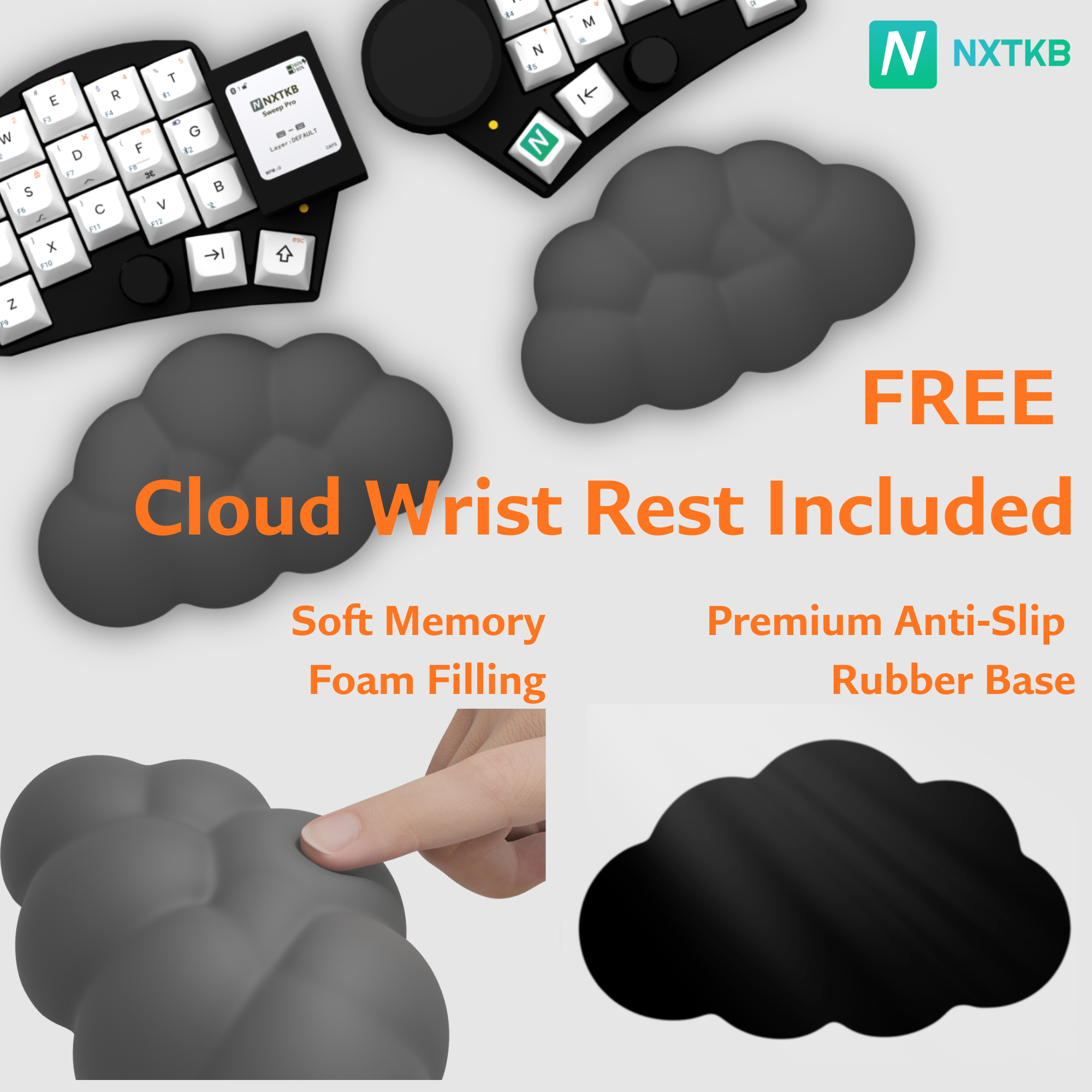
Every order includes a pair of Cloud Memory Foam Wrist Rests as a free gift.
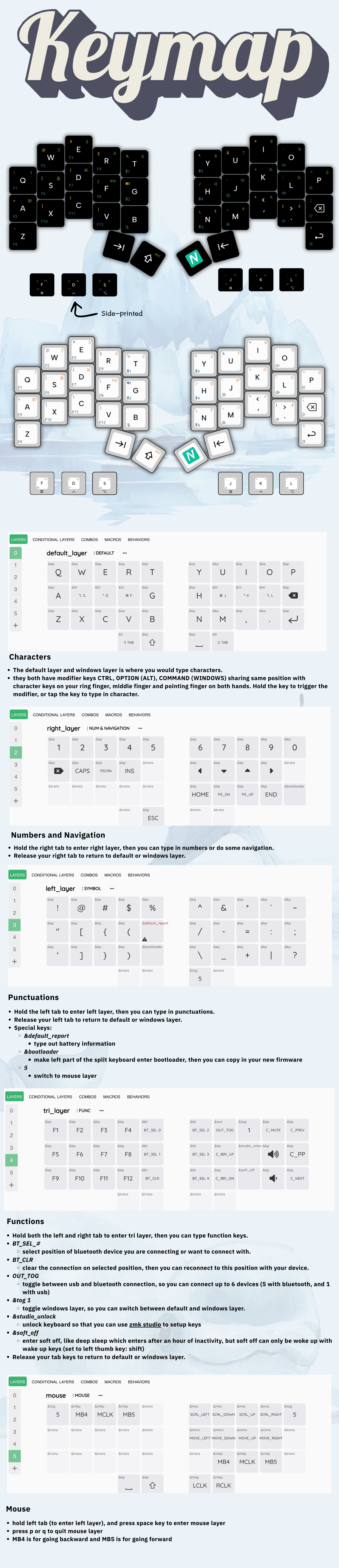
Default Layout
Our default 34-key layout is designed for maximum efficiency with minimal finger travel.
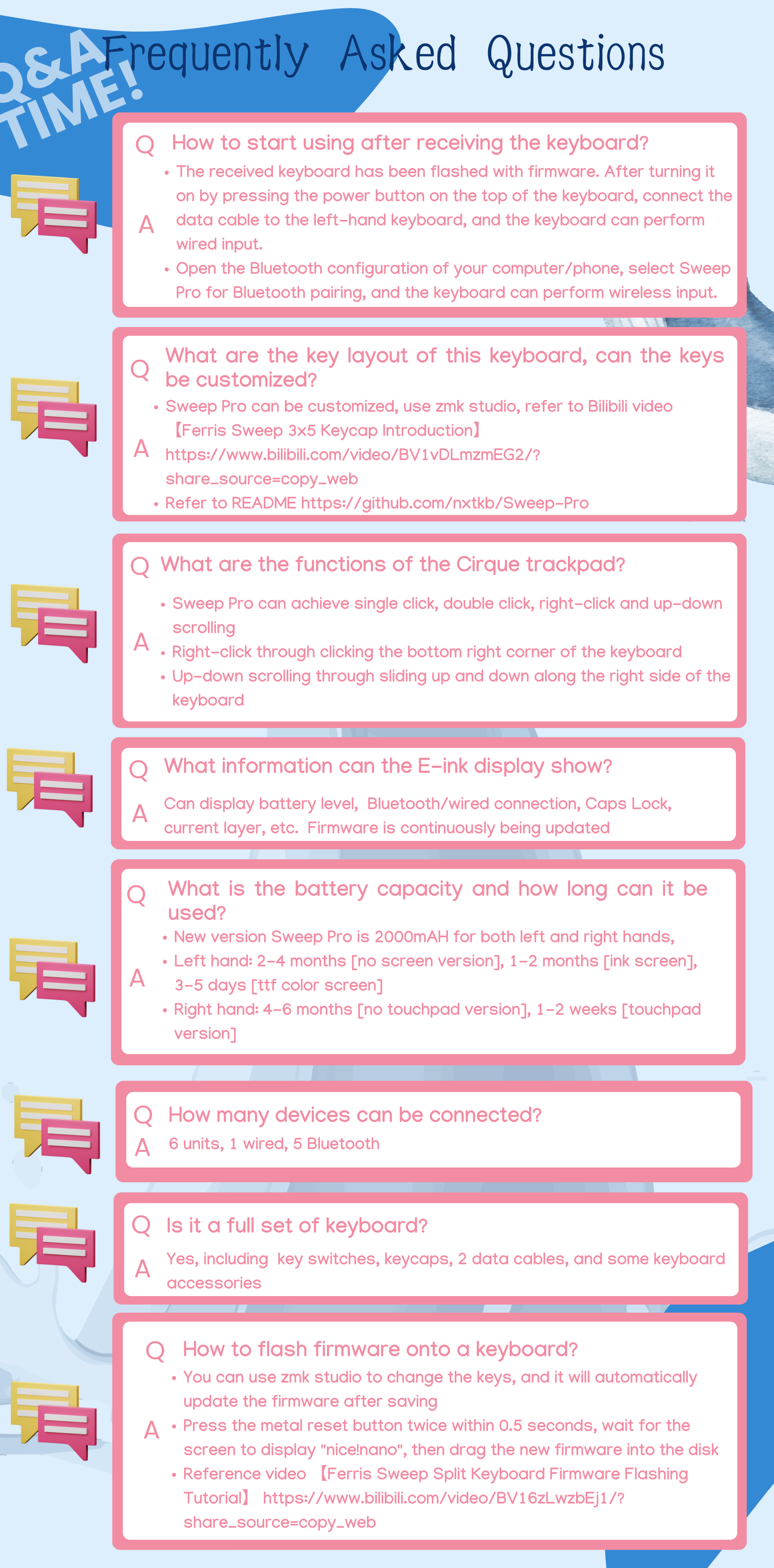
Q&A
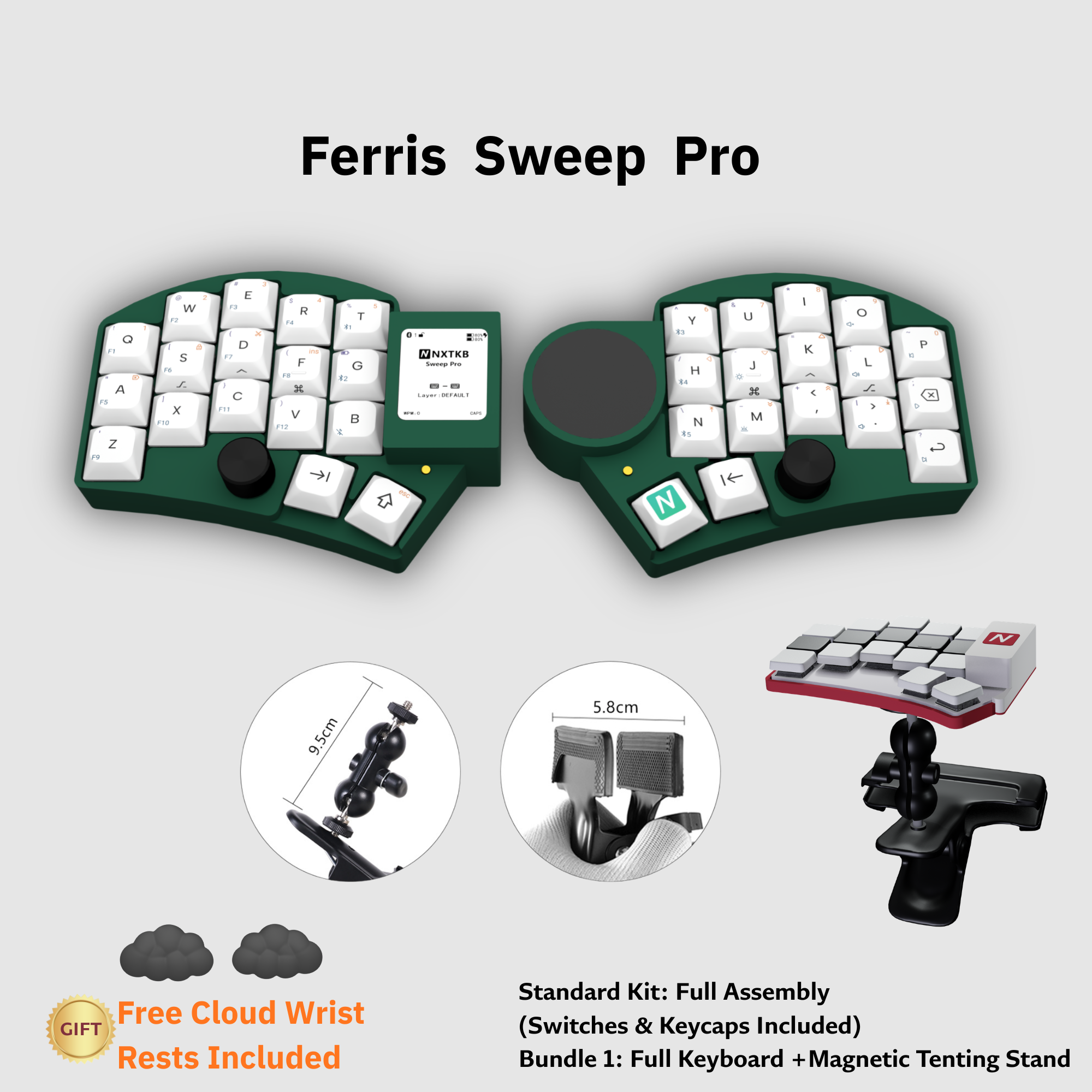
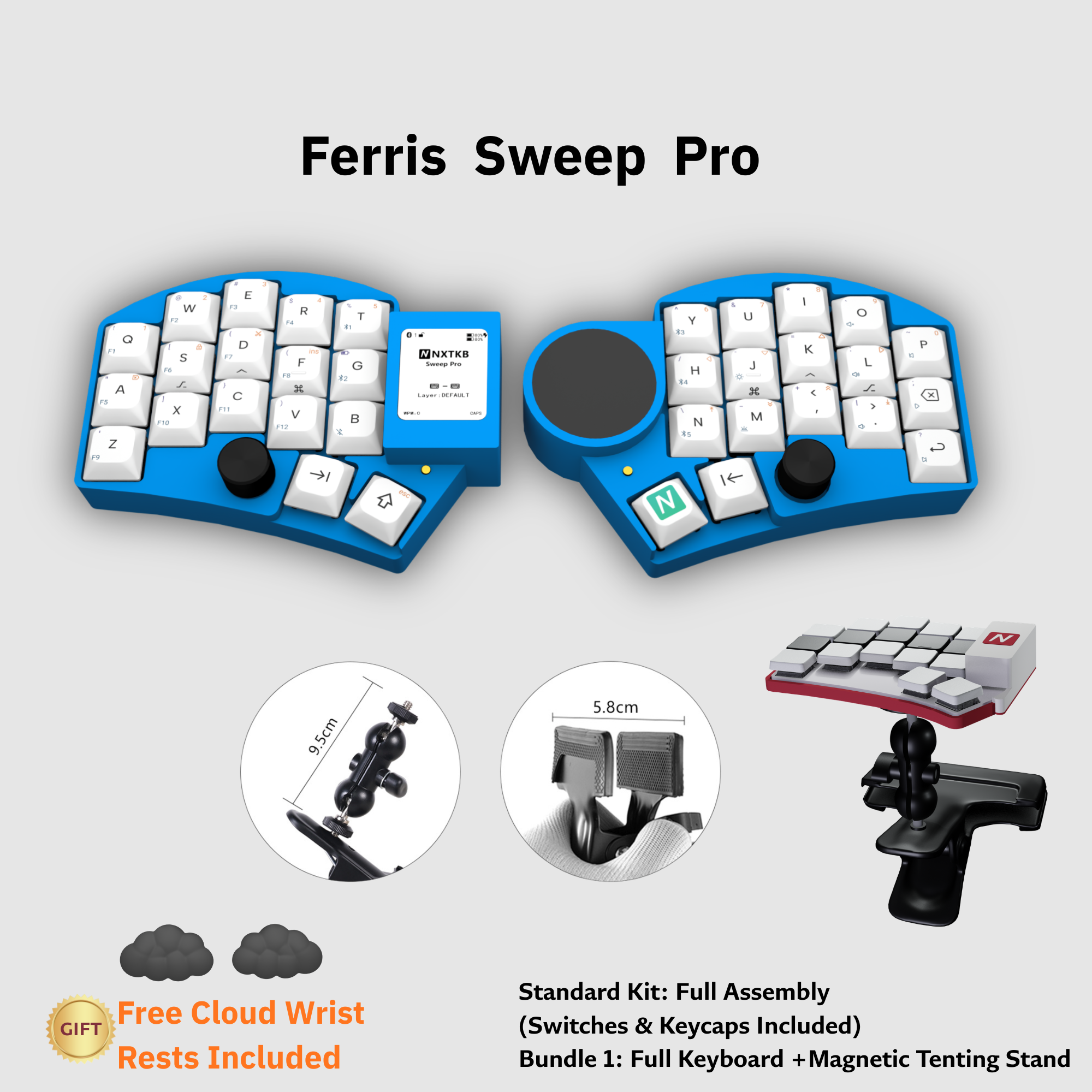
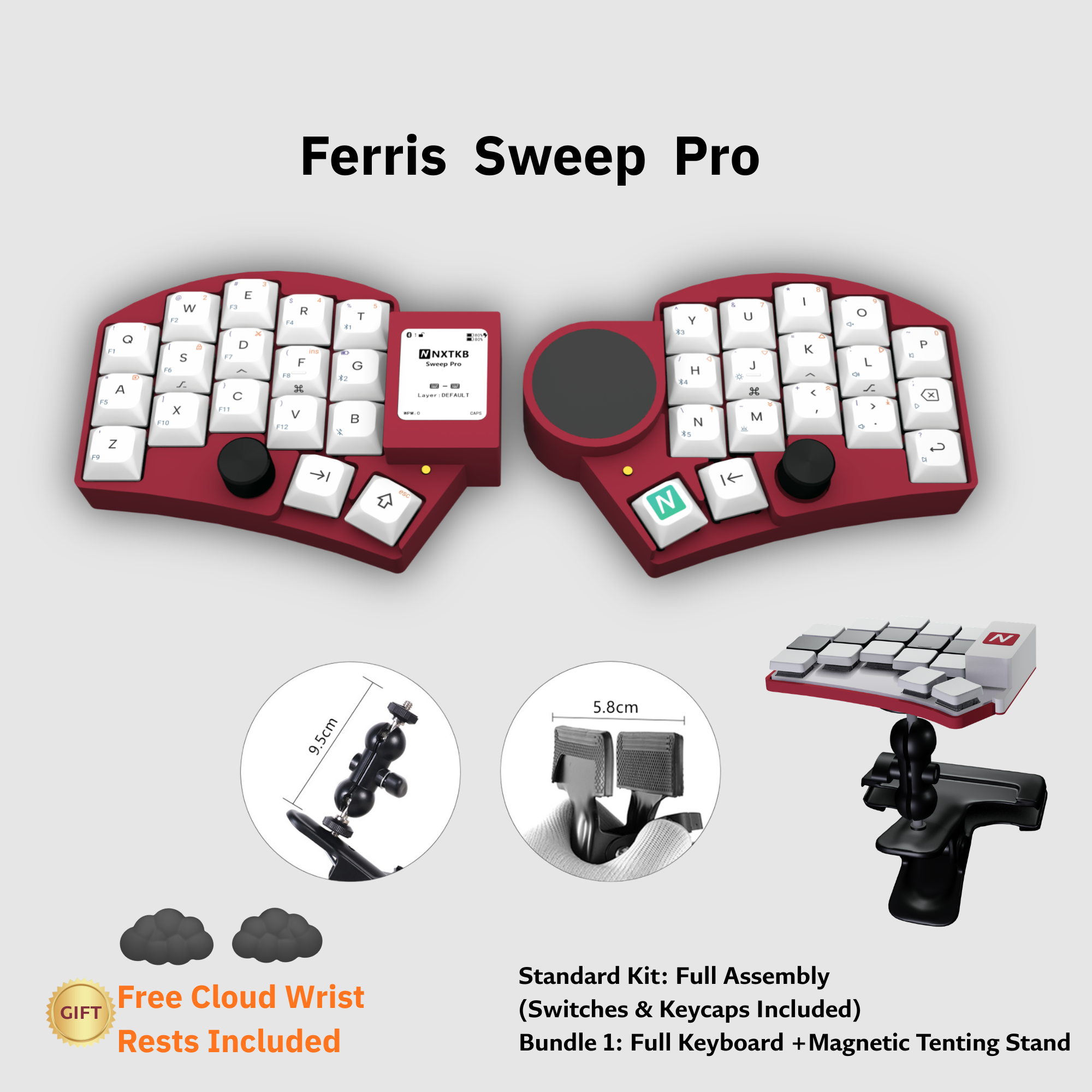
More Color Options