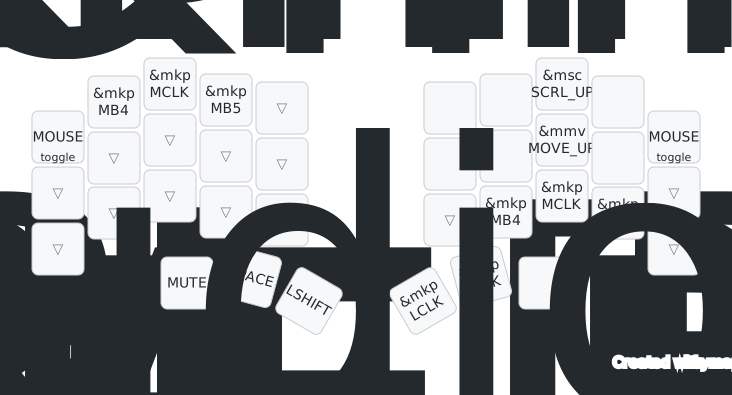
NXTKB Input Tester
Test keyboard keys, mouse buttons, and wheel input after delivery, while troubleshooting, or when validating trackpad and mouse-layer behavior.
Tools
This page keeps the browser tools NXTKB users need most. Use NXTKB Input Tester for keyboard and mouse input checks, and use the official ZMK Studio for live keymap editing for now.
Test keyboard keys, mouse buttons, and wheel input after delivery, while troubleshooting, or when validating trackpad and mouse-layer behavior.
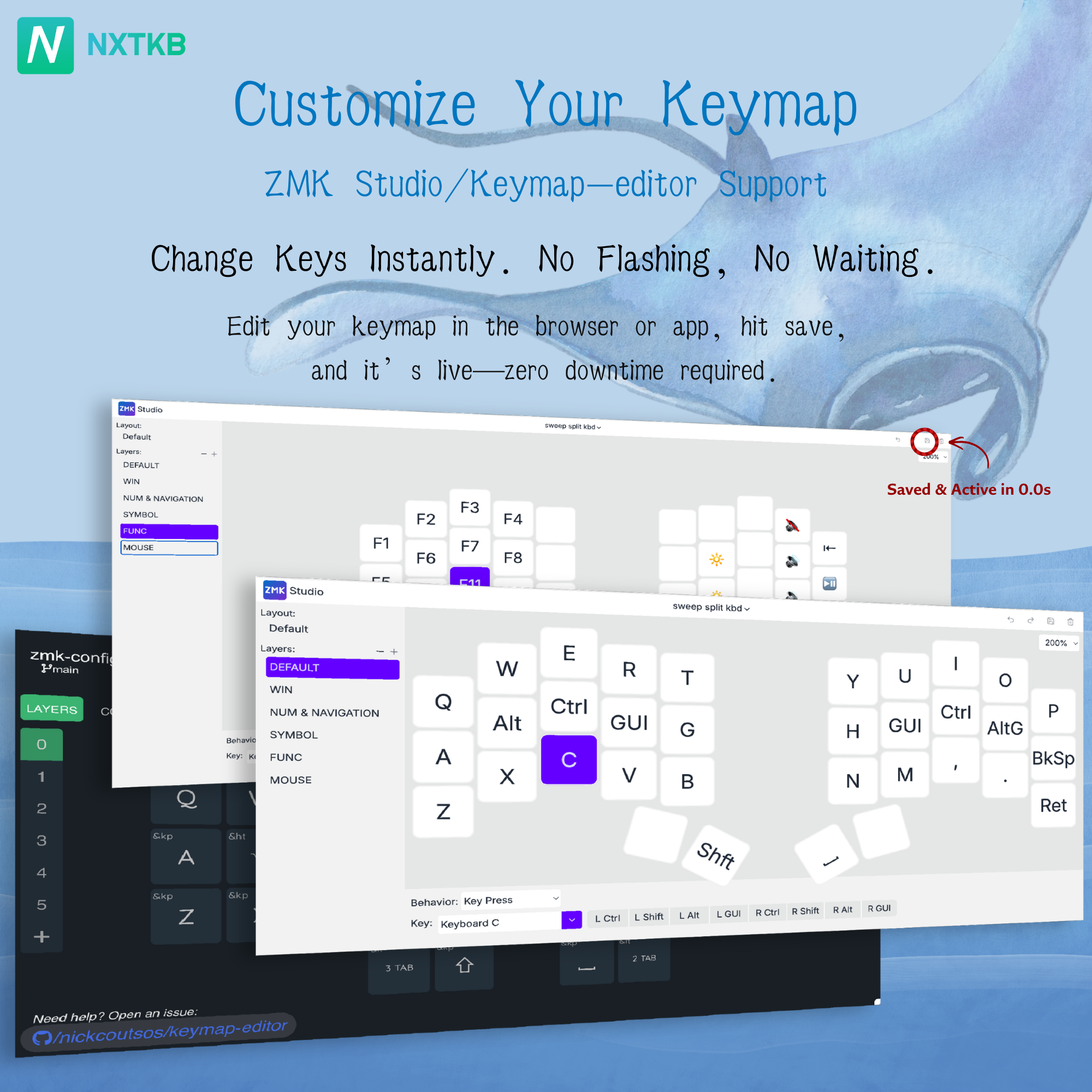
The official ZMK Studio edits keymaps live on supported ZMK keyboards. NXTKB may build a customized experience later; for now, use the official tool.
Pair over Bluetooth or plug in over USB-C.
Press each key and check keyboard, mouse button, and wheel events.
Save the keymap, then return to the tester to verify it.