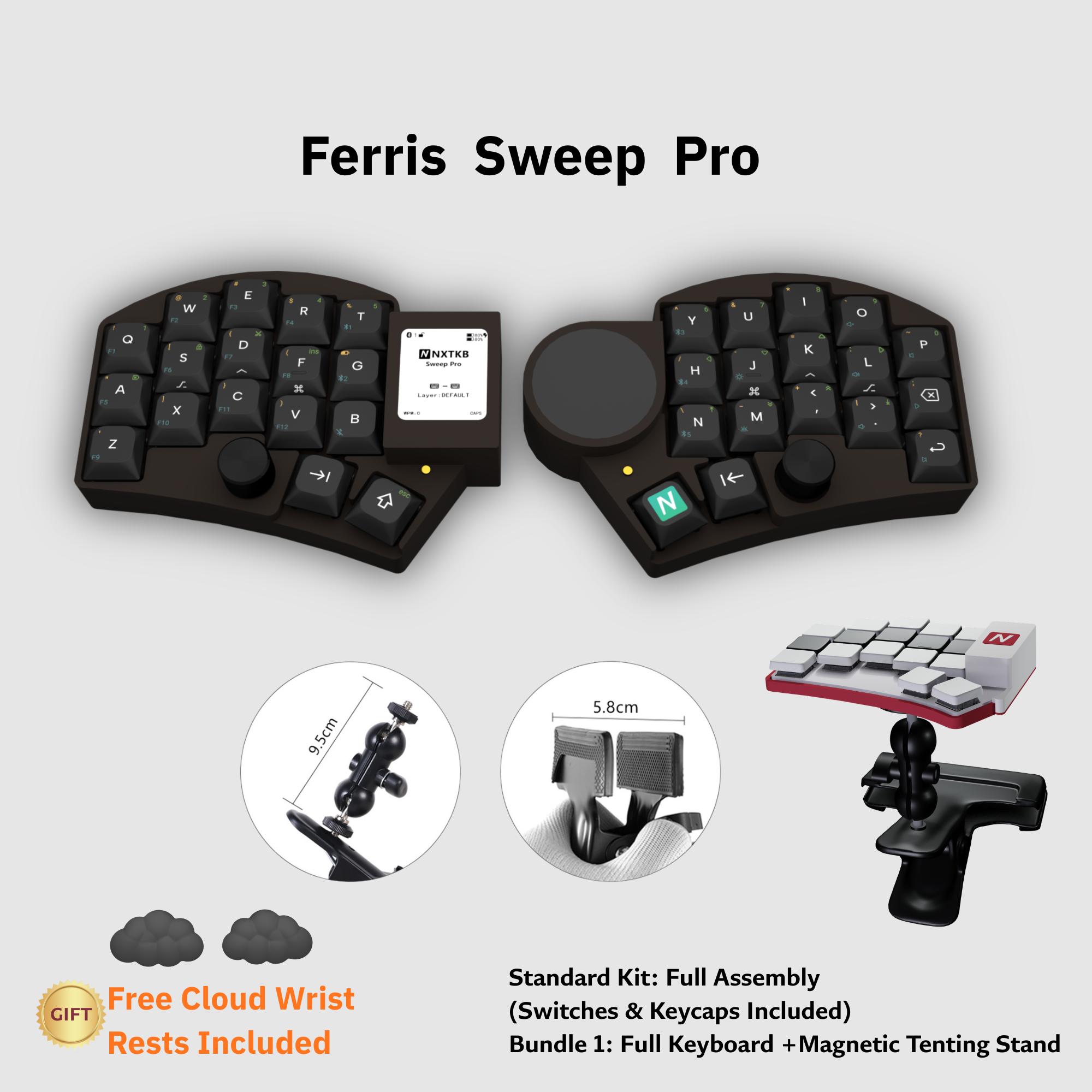
Full version
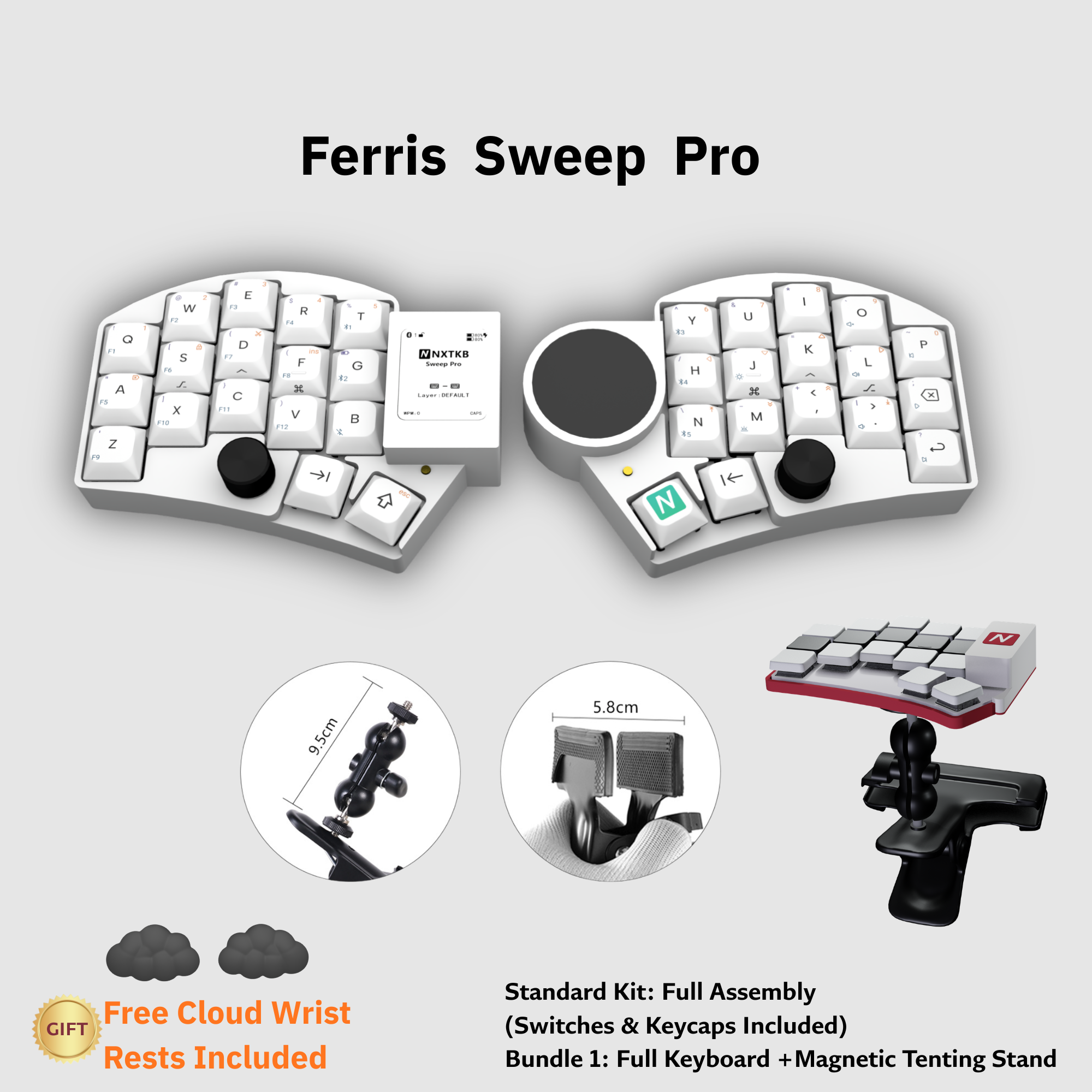
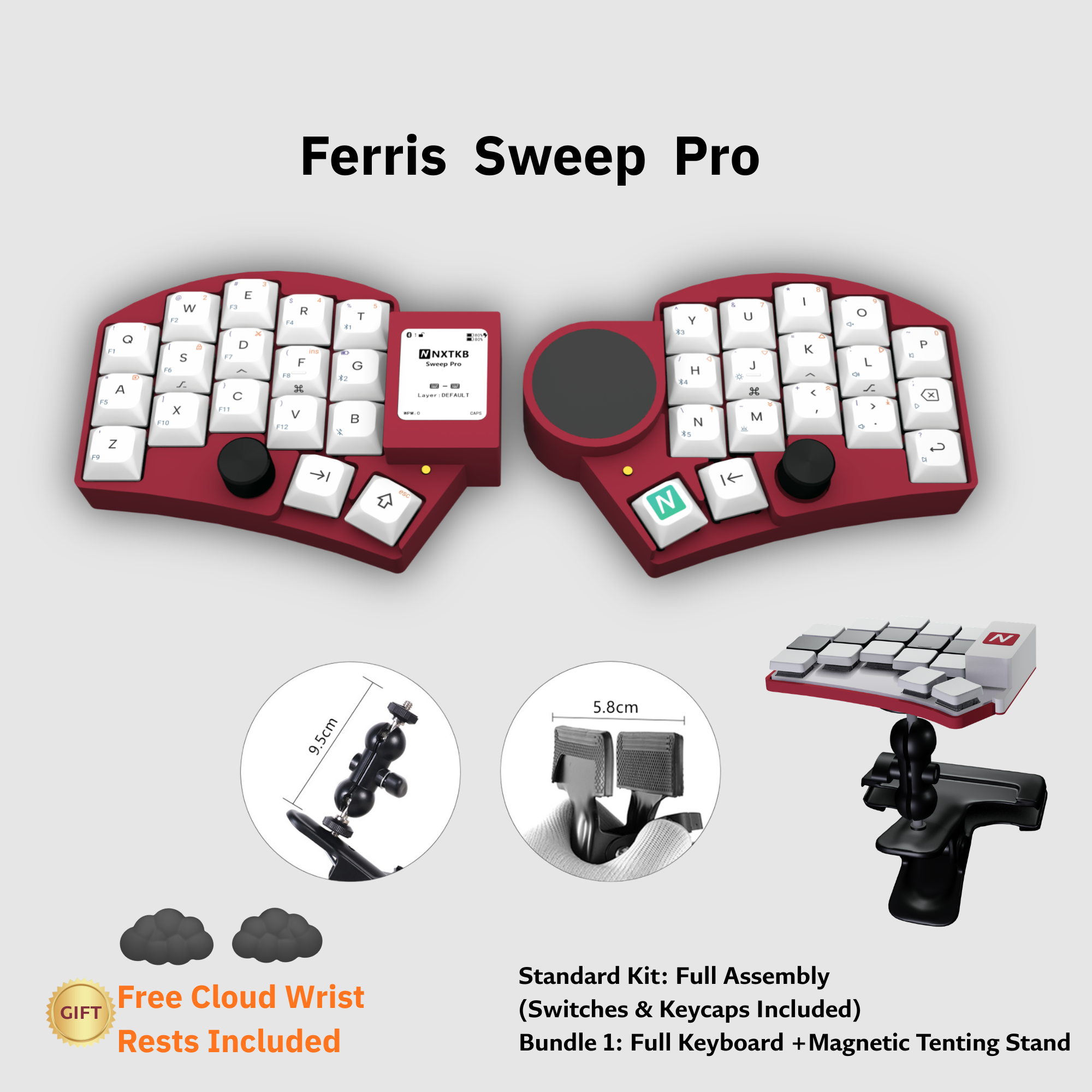
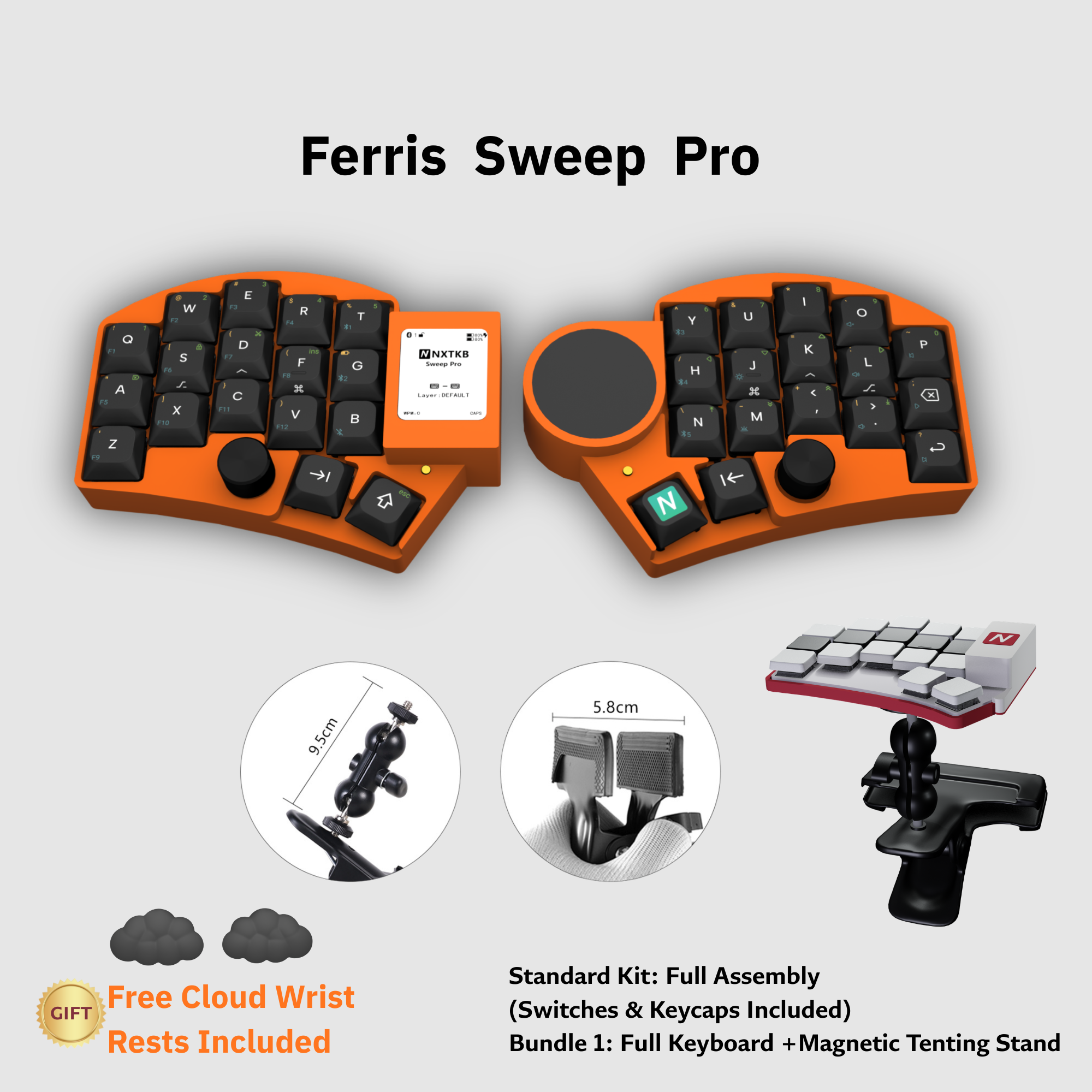
E-ink display plus Cirque trackpad.
From ¥850Best if you want status display and pointer control built in from day one.
Depending on the version, pointer control, status, quick adjustments, and custom layers are built into the keyboard itself.
Choose the hardware version by e-ink and Cirque trackpad needs first, then pick switches, colors, and the optional magnetic-stand kit on Taobao.
E-ink display plus Cirque trackpad.
From ¥850Best if you want status display and pointer control built in from day one.
No e-ink display, with Cirque trackpad.
From ¥750Best if cursor movement, scrolling, and mouse buttons matter more than the display.
E-ink display, no trackpad.
From ¥720Best if battery, layer, and connection status matter while you still use an external mouse.
No e-ink display, no trackpad.
From ¥620Best if you only need the Sweep Pro split shape, wireless setup, and dual encoders.
The four versions are separate Taobao items. Price, color, and switch options vary slightly, so confirm the matching Taobao page before ordering.
Currently parsed as plain from ¥620, e-ink from ¥720, trackpad from ¥750, and full from ¥850.
All four versions currently show Hangzhou shipping, 48-hour dispatch, and free domestic express shipping.
Common choices include Kailh Islet mini, Kailh Whale Fall mini, and Kailh Zhe Shan; some versions also offer Gateron blue.
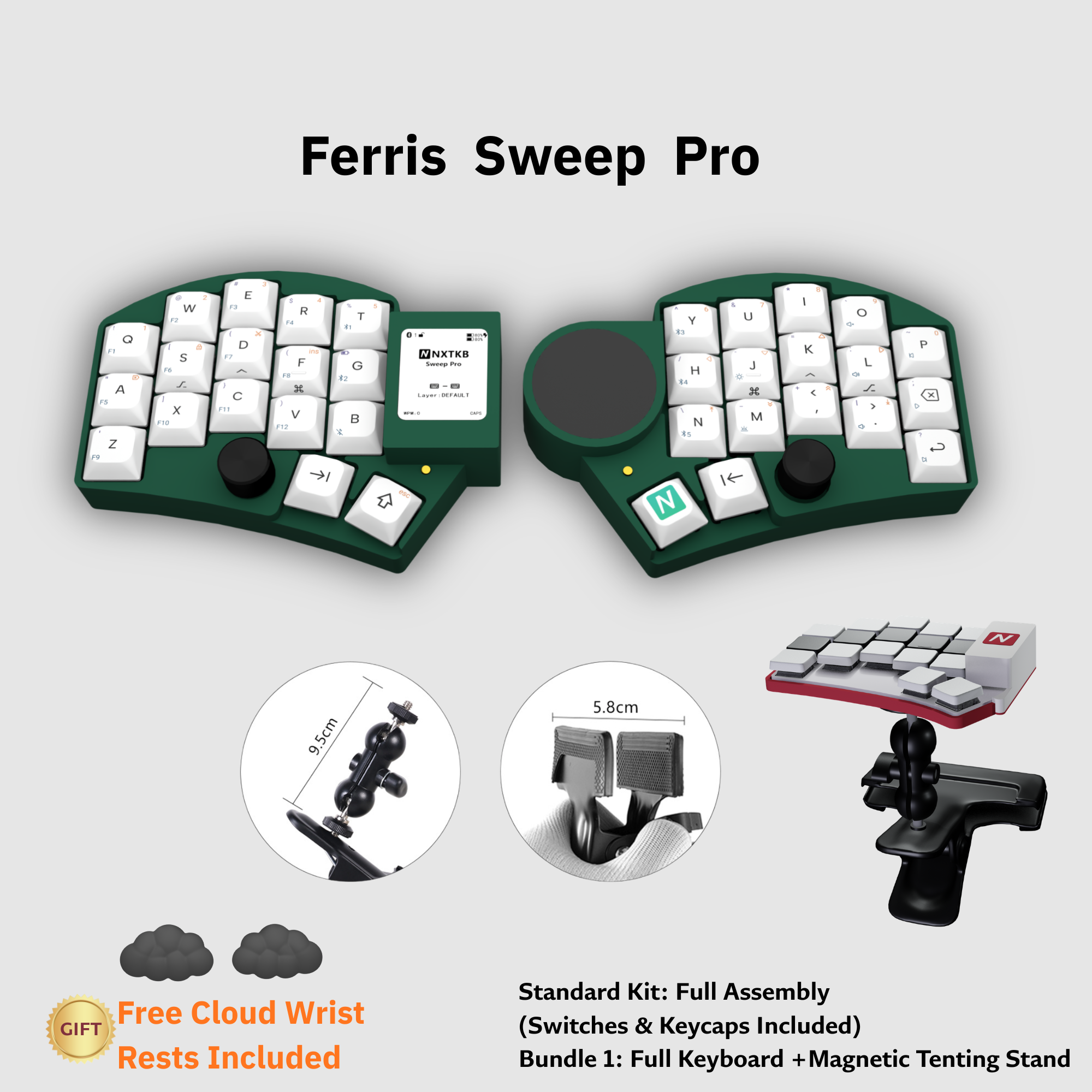
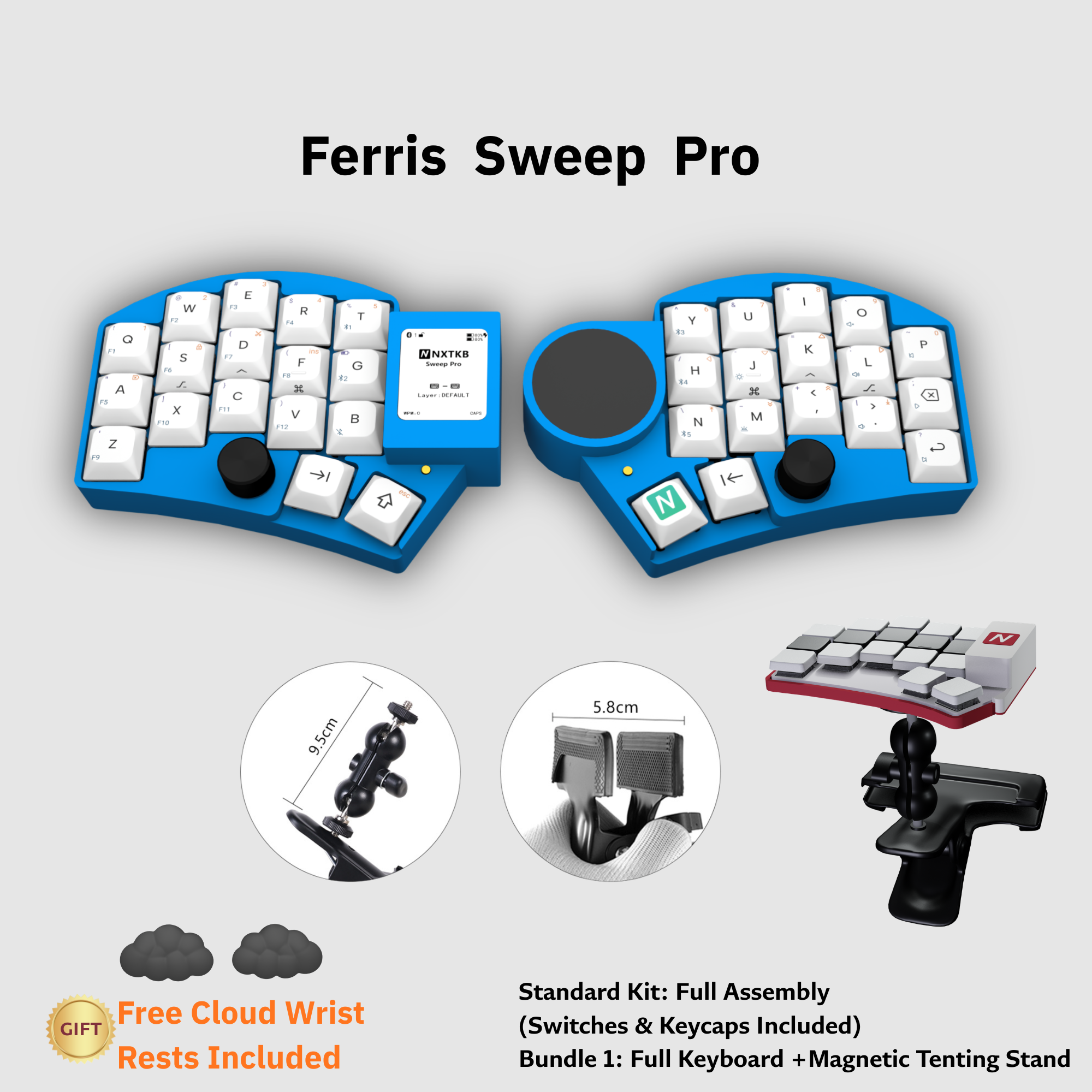
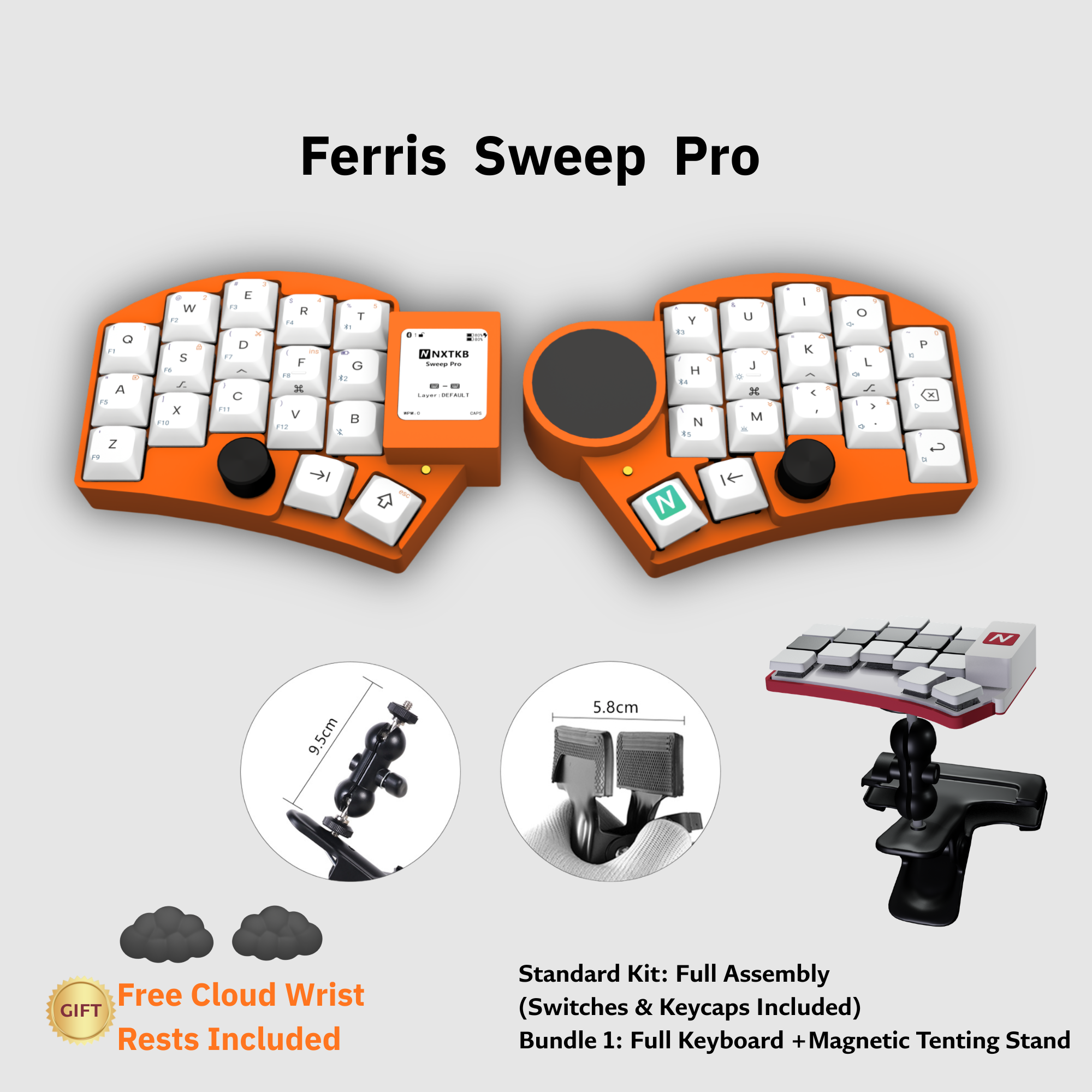
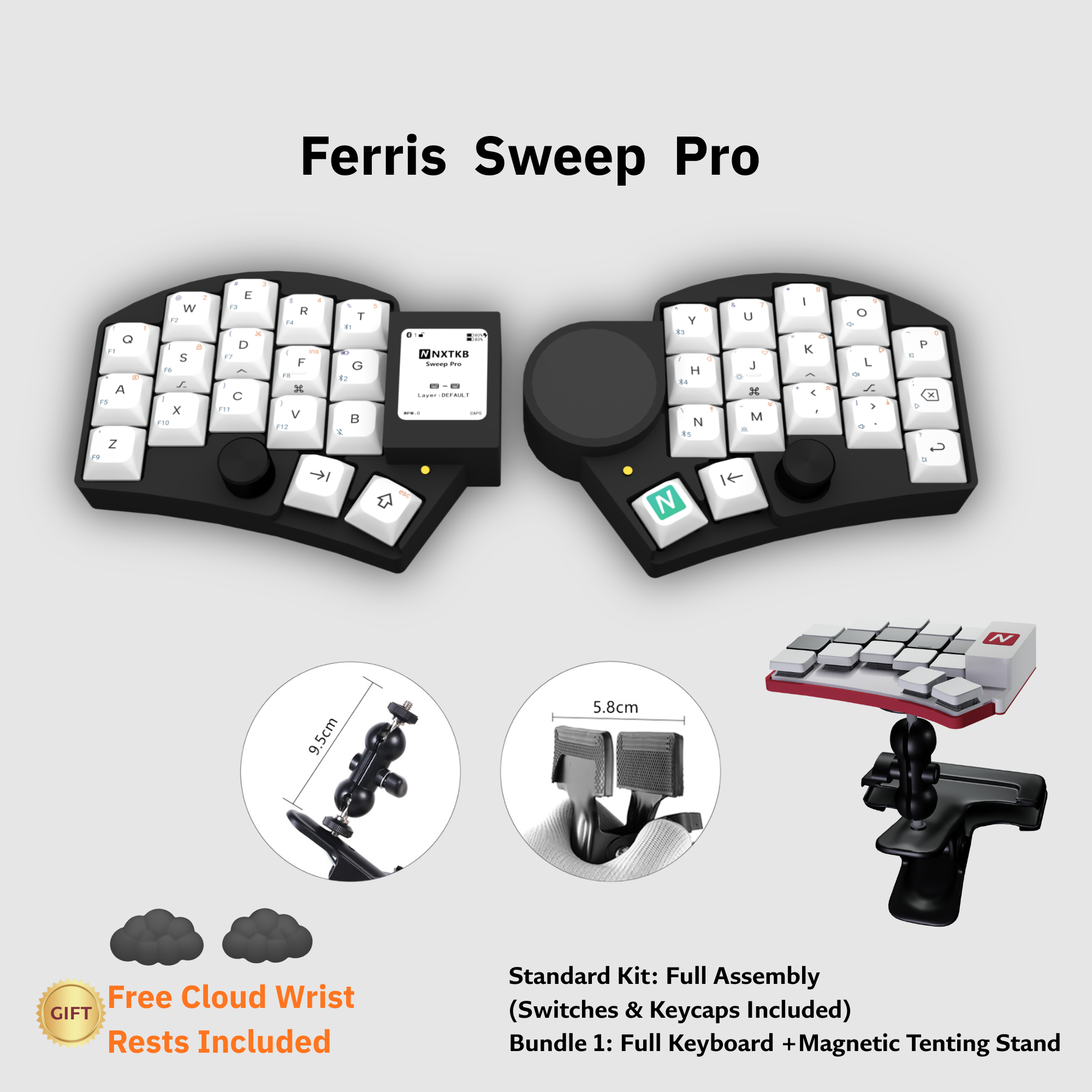
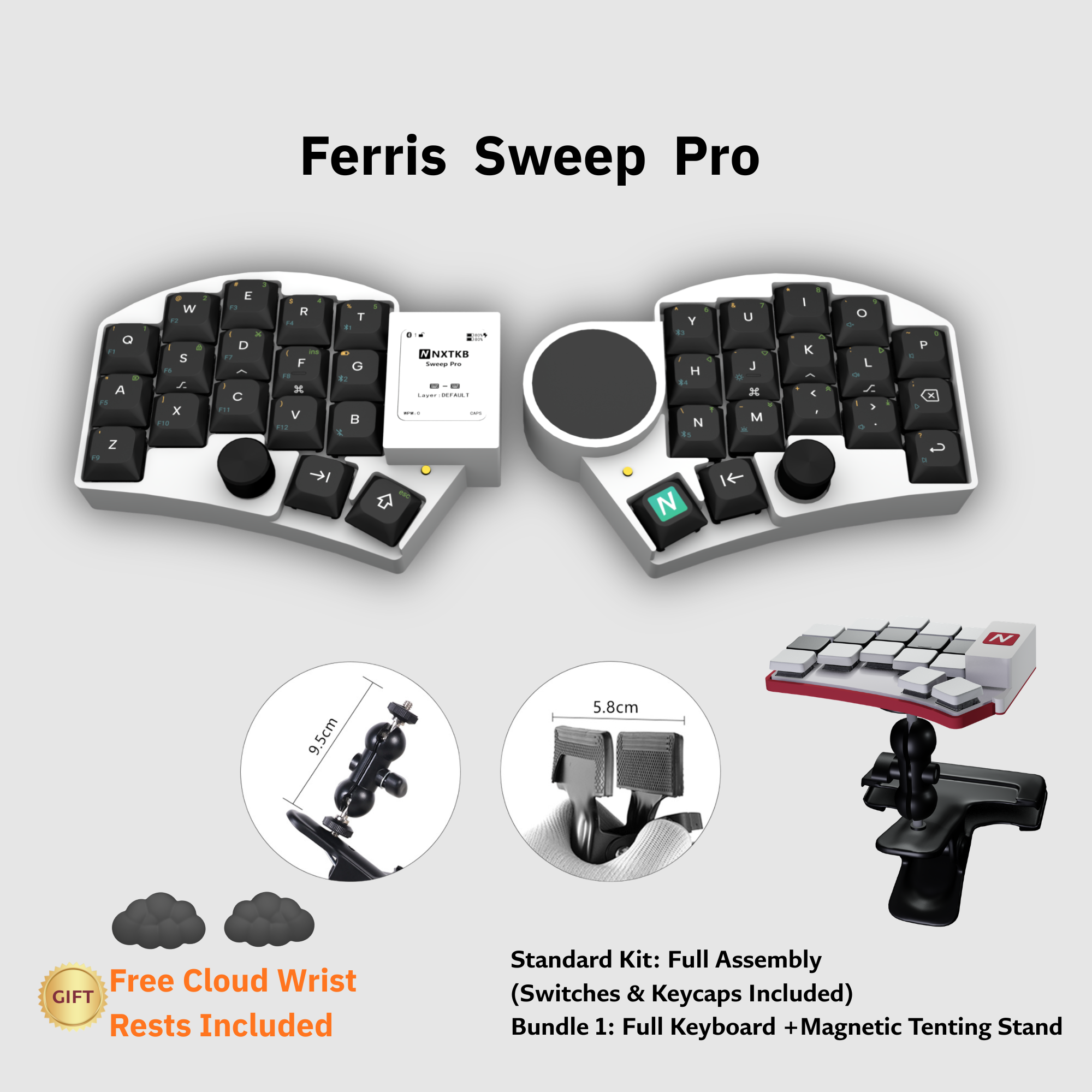
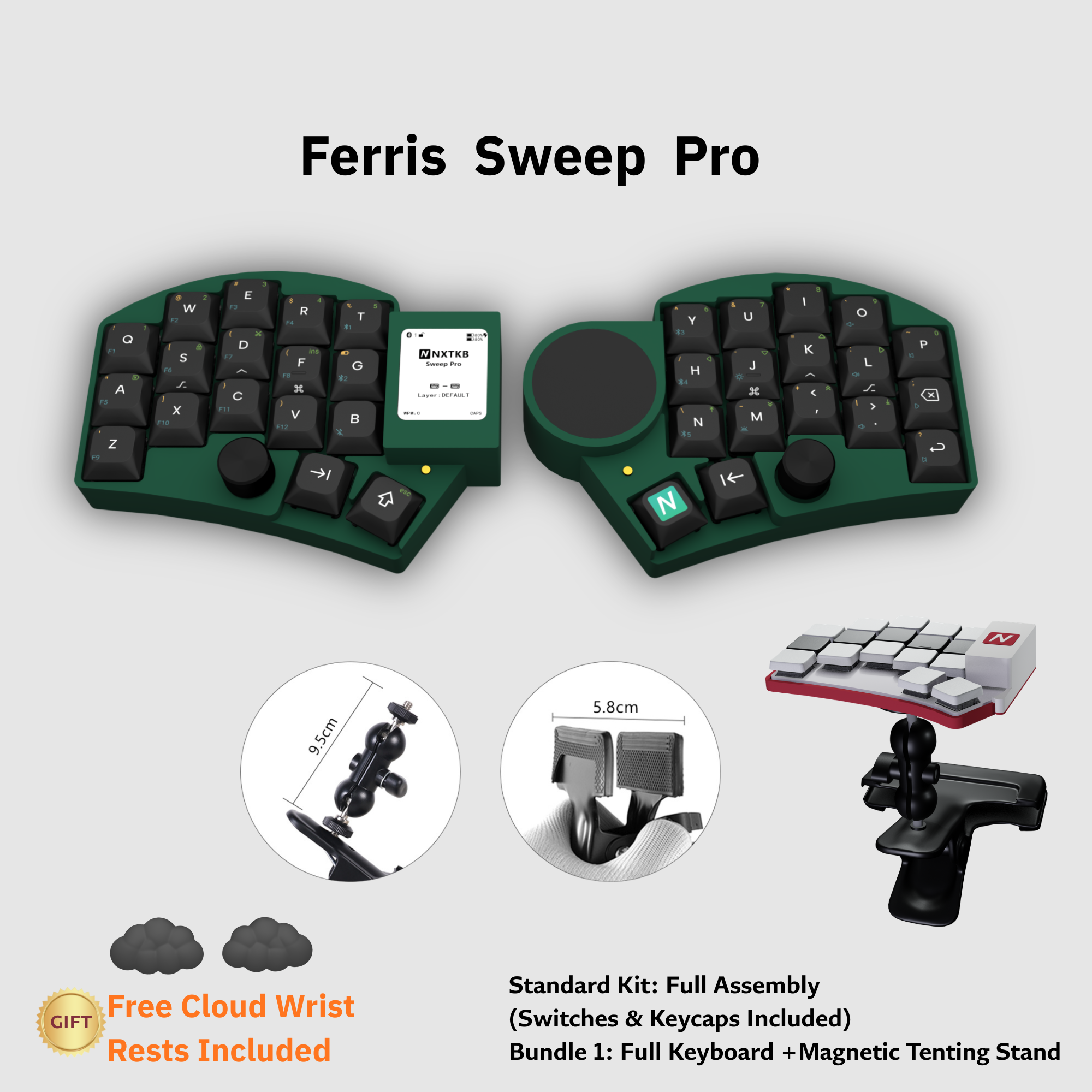
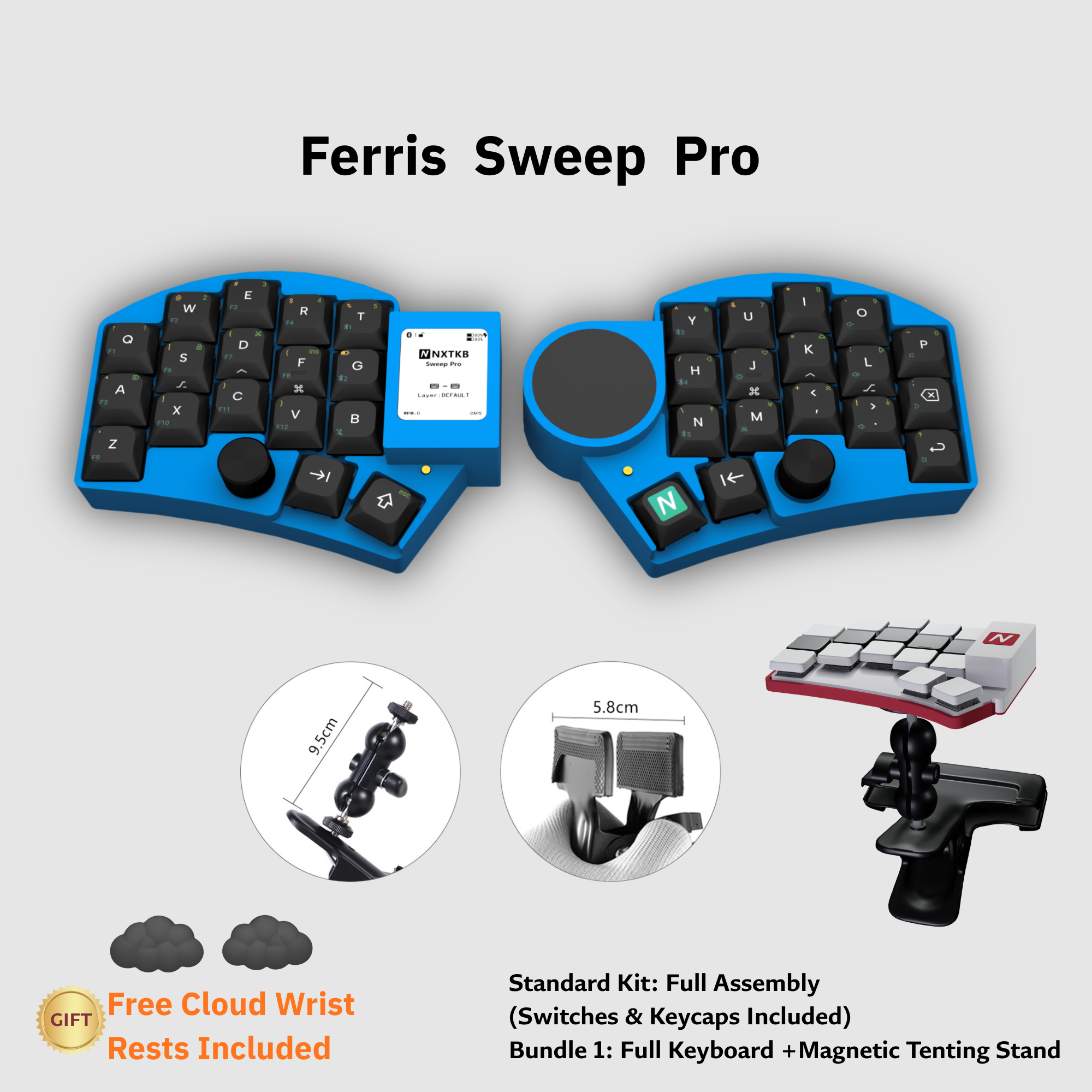
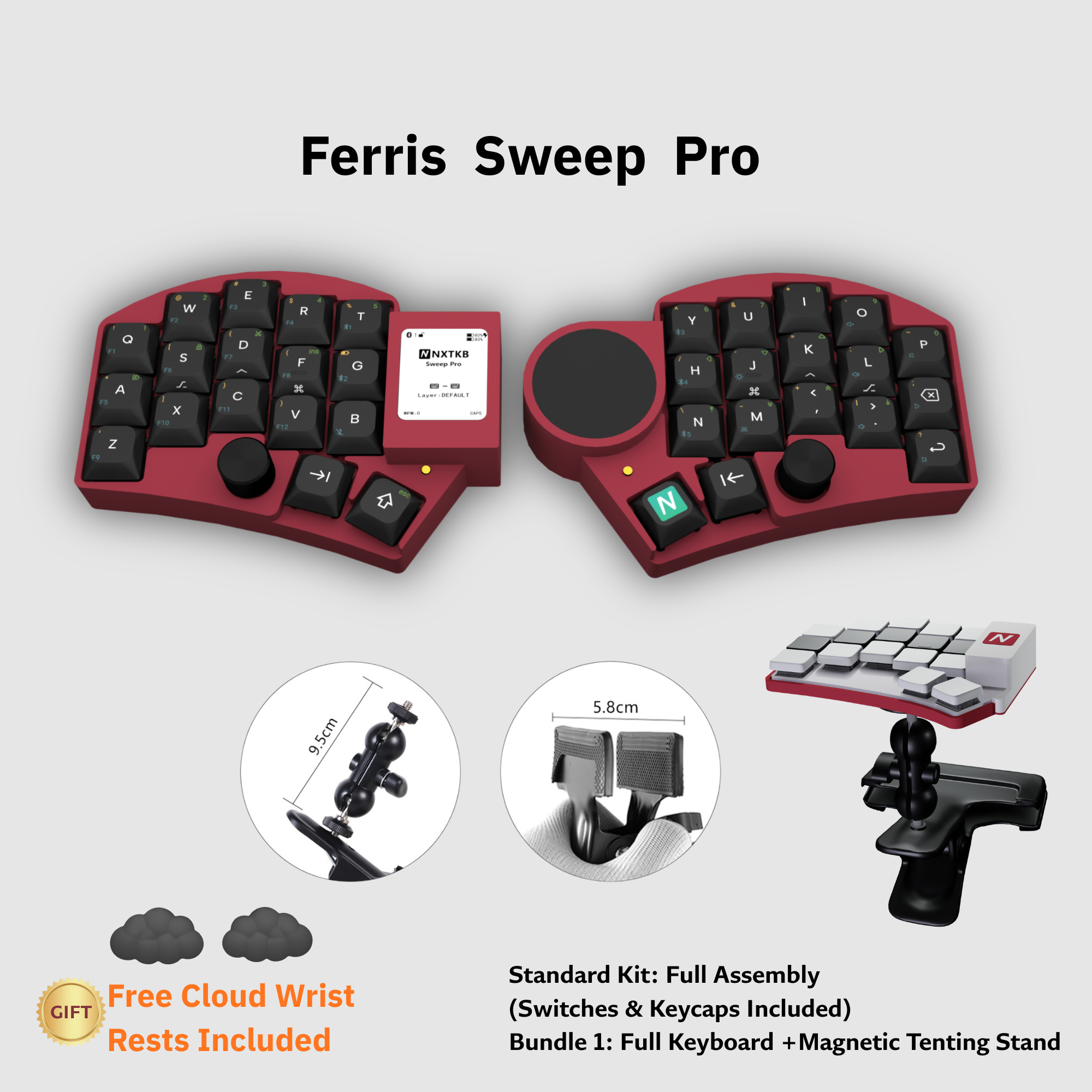
Black, white, blue, orange, Christmas green, green, dark red, and gold options vary by version, with black or white keycap pairings.
Each version can be ordered as the standard kit or with magnetic stands.
Purchase, WeChat, and documentation links stay visible so setup help is easy to reach.
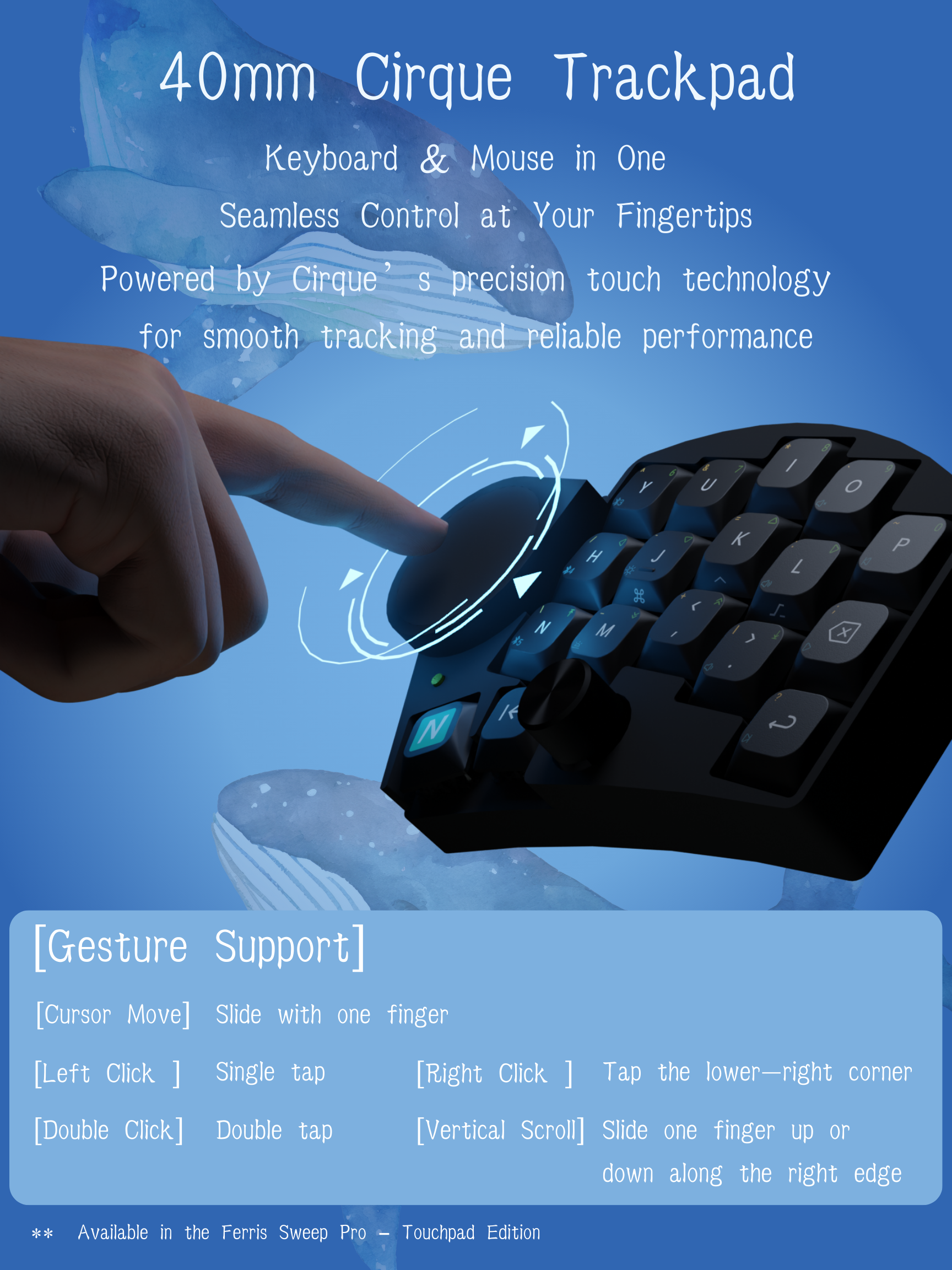
The 40mm circular trackpad supports cursor movement, clicks, double clicks, right click, and edge scrolling so your hands leave the keyboard less often.
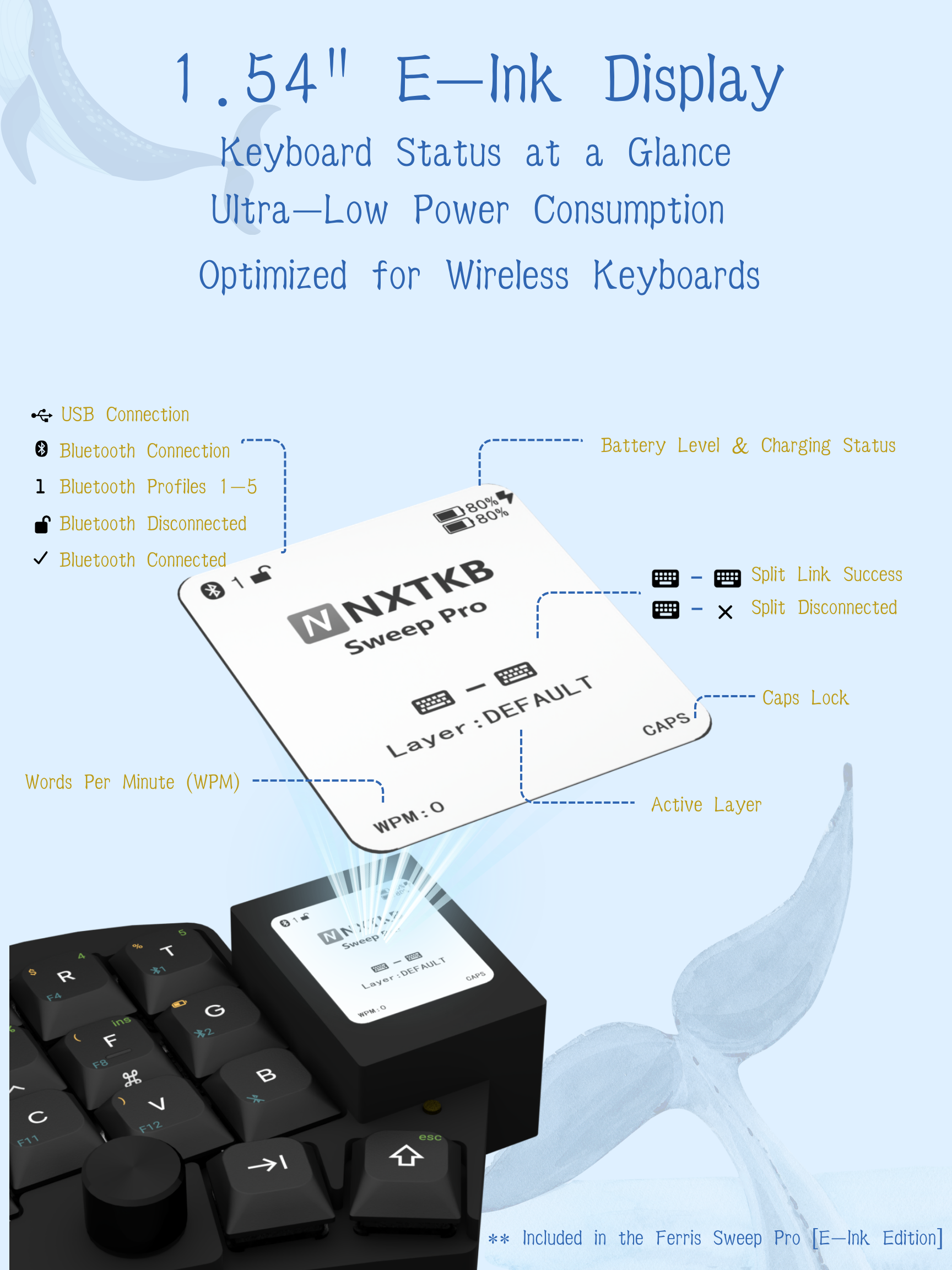
Always visible, low power, and readable in bright light for battery, layer, connection, and split-side status.
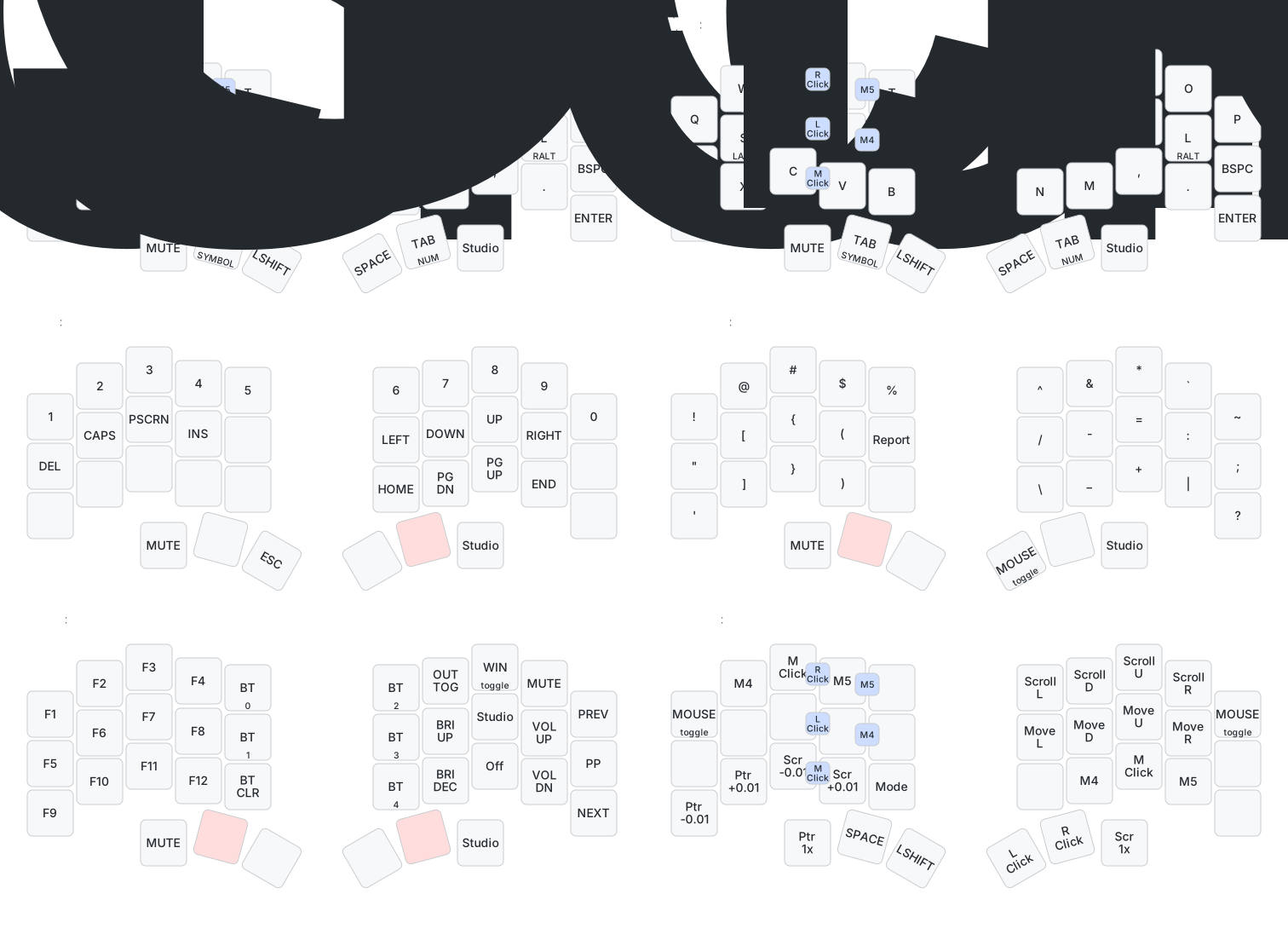
34 keys looks minimal, but the default layers cover characters, navigation, symbols, functions, and mouse controls.
Pair over Bluetooth or plug in over USB-C.
Review character, navigation, symbol, function, and mouse layers.
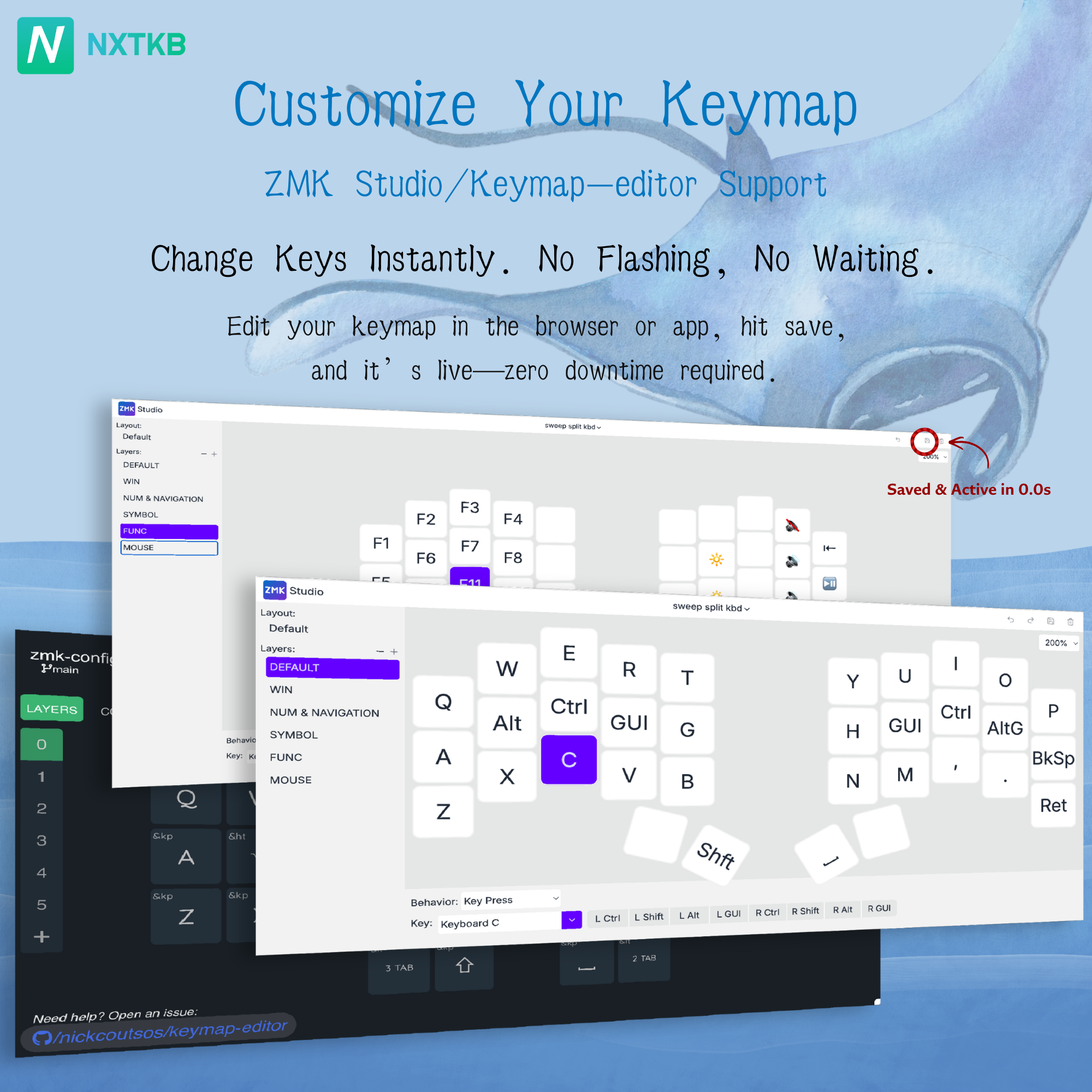
Use ZMK Studio for everyday keymap changes.
Use NXTKB Input Tester to verify keyboard, mouse button, and wheel events.
Use UF2 firmware flashing for configuration-level changes.
The experience is not only hardware. It also depends on maintainable firmware, docs, and user feedback.
Inspect configuration, default keymaps, and build flow.
Test keys, mouse buttons, wheel, and trackpad-related input.
Use the official tool for live keymap editing while a custom NXTKB experience is future work.
Connection, keymap editing, firmware flashing, and ergonomics.
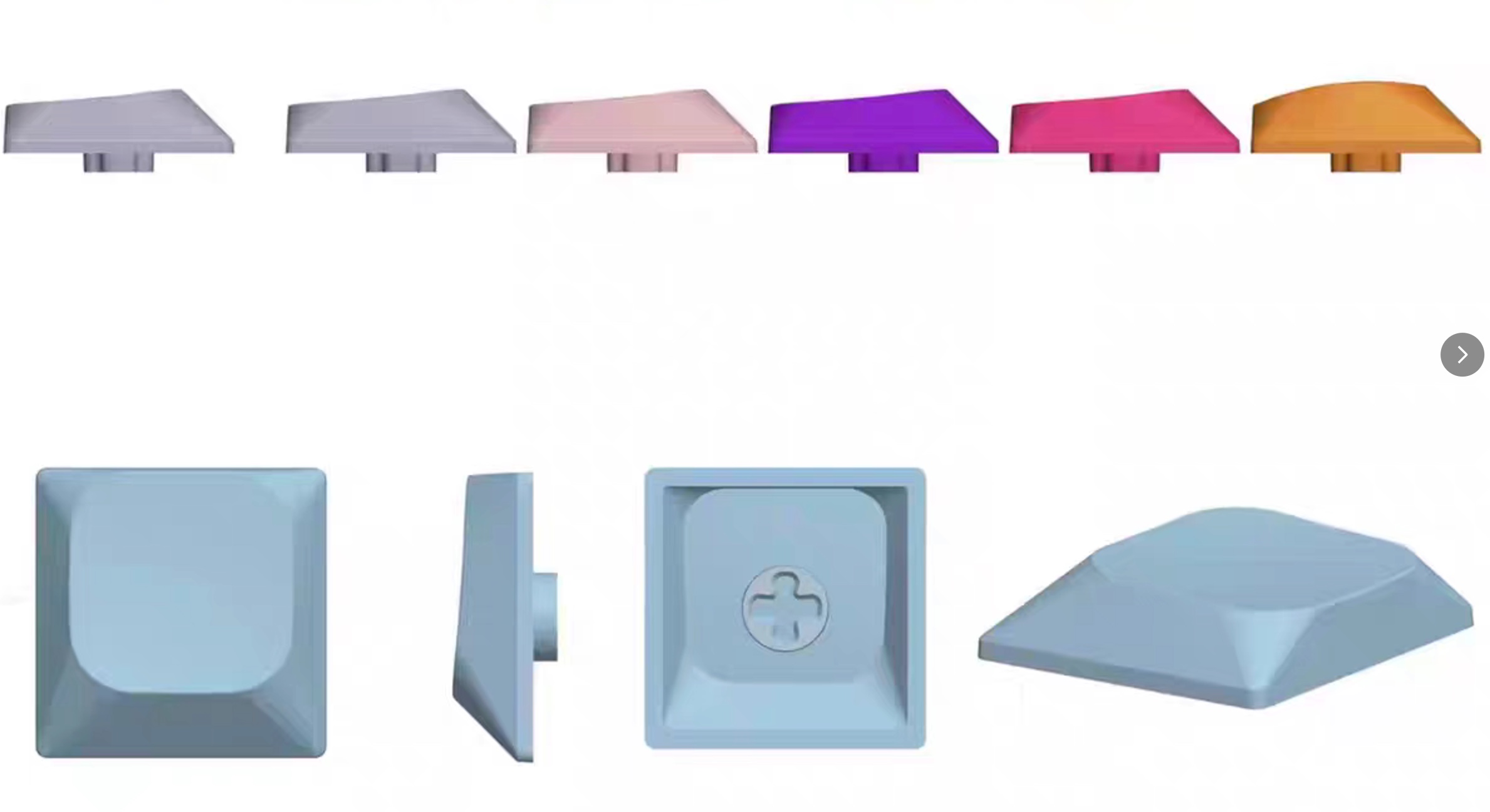
PBT low-profile keycaps designed for the 34-key layout, with durable legends and side legends for layer recall.
Make everyday keymap changes live and save them directly without rebuilding and reflashing firmware.